I hope you liked the n8n mini course I shared last week. It teaches you automation with a little help from AI.
Since our workflow is changing and AI assistance is more common than ever, we will be covering more on how you can use AI as a tool for various tasks.
For example, you can have a look at some MCP servers that should help you in your day-to-day devops and sysadmin activities.
 Yash Kiran Patil
By the way, Linux Foundation is running its biggest discount sale of the year. Good way to grab certification exams at reduced price.
🧵 Rehearse before you run
Most commands that change or delete things have a way to show you what they would do. Here are the ones worth building into muscle memory.
rsync has -n (or --dry-run). Pair it with -v, otherwise the dry run happens silently and shows you nothing.
rsync -avn --delete source/ backup/
If the list of files marked deleting looks scary, good. You just saved yourself. More in our rsync examples.
find has no dry-run flag, but it doesn't need one. Run your search without -delete first and check the output. When you are happy, add -delete at the end. I mean it is too obvious to be a trick but still.
find /var/log/myapp -name "*.log" -mtime +30
find /var/log/myapp -name "*.log" -mtime +30 -delete
Order matters here. find evaluates options left to right, so putting -delete first deletes everything under the starting path. See the find command examples for more filters.
sed is safe by default. Without -i, it only prints the changed text to the terminal. Check it, then edit in place with a backup:
sed 's/old.example.com/new.example.com/g' nginx.conf
sed -i.bak 's/old.example.com/new.example.com/g' nginx.conf
By the way, apt can simulate too. apt-get -s shows which packages would be removed or upgraded without touching anything.
sudo apt-get -s autoremove
Handy before an autoremove that suddenly wants to take half your desktop with it.
🎓 Get certified before the year ends

Linux Foundation, the official organization behind Linux, Kubernetes, MCP and many other such projects, is running the biggest discount offer of the year.
If you are looking to make a career as a Linux, DevOps or cloud engineer, you should take advantage of this and book yourself a certification exam on discount.
Certifications are still the best way to show recruiters that you have actually acquired that cutting edge skill.
The Cyber Week prices are the lowest of the year:
- LFCS: $223 instead of $445 (code
BFCM26CCFOSS) - CKA: $223 instead of $445 (code
BFCM26CCFOSS) - CKA + CKAD + CKS bundle: $498 instead of $1,245 (code
BFCM26BUNFOSS) - Kubestronaut bundle: $998 instead of $1,995 (code
BFCM26K8SFOSS) - MCPA + AGNTCon/MCPCon pass: $399 instead of $650 (code
BFCM26MCPAGNTFOSS), a nice match if the MCP article above got you curious
The best thing is that you don't have to be ready today. You get 12 months to take the exam after purchase, so buy at the discounted price now and prepare over the next few months. Most exams also let you retake the exam for free if the first attempt did not go well.
The sale ends on December 4, 23:59 UTC. All the codes and bundles are listed here.
💡 Quick terminal tip
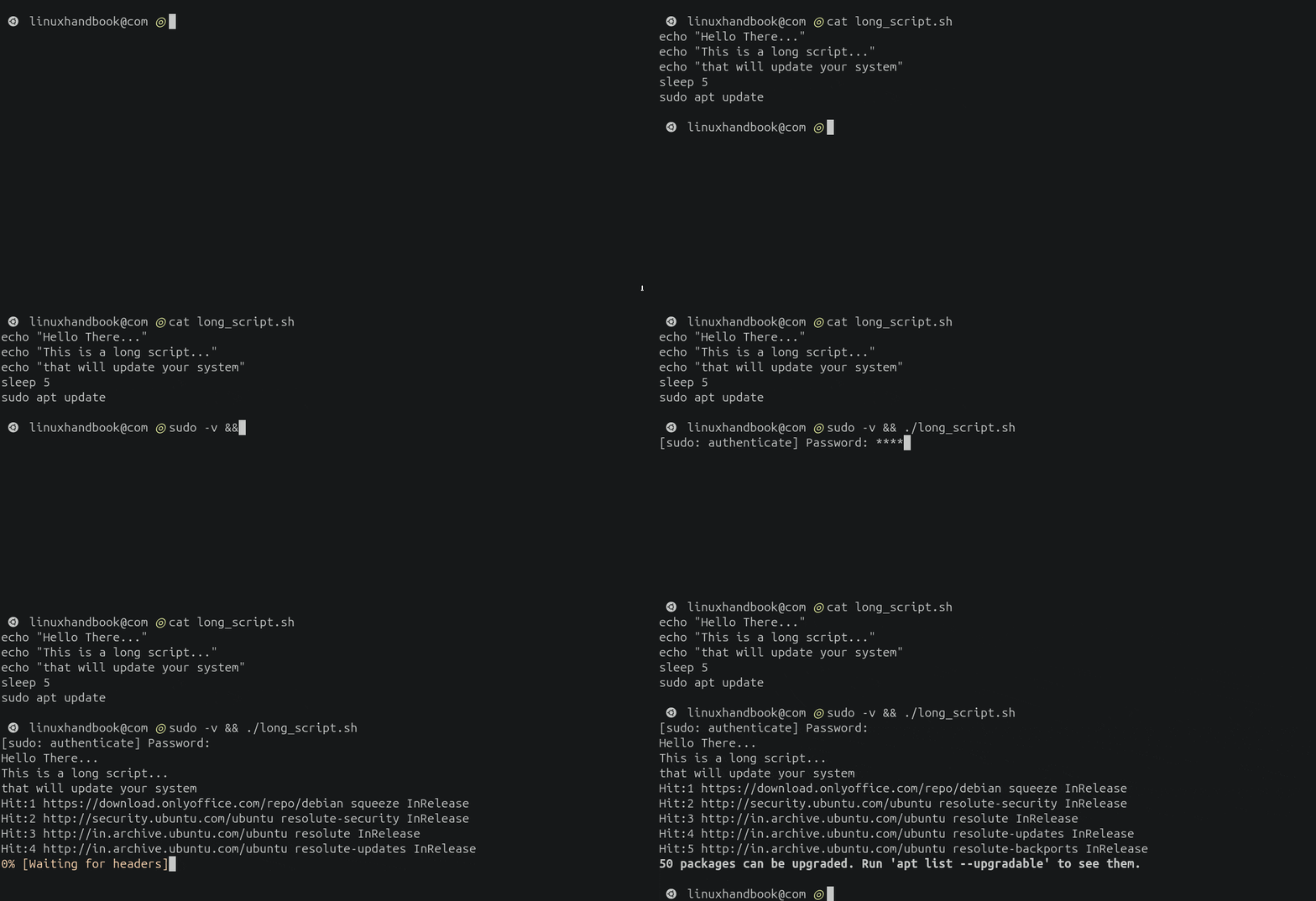
If a script or a run of commands has a sudo step near the end, it can stop there and wait for your password while you're away. sudo -v refreshes cached credentials, authenticating if needed, without running a command. Run it first so the sudo steps don't stop to ask.
sudo -v && ./long-build-and-install.sh
📦 Self-hosting: PdfDing
PdfDing is a self-hosted platform for viewing, organizing, annotating, and sharing PDF collections across devices. It combines browser-based reading, PDF editing, collections, tagging, and progress tracking in a lightweight Docker-friendly application.
 mrmn
🛠️ Tool discovery: tuicr
tuicr is a terminal user interface for code reviews that features Vim keybindings. It brings code review workflows into a keyboard-driven terminal environment.

📰 Linux news that matters
- A Linux KVM flaw tracked as CVE-2026-99312 lets a root user inside a guest VM read host memory on AMD hosts with nested virtualization enabled, and researchers pulled about 127 GB of RAM from a DigitalOcean host this way. Fixes are in kernels 7.3.5, 6.18.64 and 6.12.118, and disabling nested virtualization works as a stopgap.
- VMware has published VMSA-2026-0011, its third critical advisory in a week, fixing 23 flaws including four critical ones across ESX, vCenter, Workstation and Fusion, among them a 9.8-rated vCenter authentication bypass.
- OpenAI and Cisco have released Shirudo, a BSD-licensed runtime that uses signed eBPF "shields" to block vulnerable code paths on running Linux systems until a proper patch can be rolled out.
- The Debian project has released Debian 13.8, which rolls up a large batch of security fixes for packages such as glibc, OpenSSL, MariaDB and GRUB, including a Secure Boot bypass tracked as CVE-2026-97876.
- Proxmox VE 9.3 makes snapshots on shared LVM storage production-ready and adds centralized multipath and SAN management to the web interface. It is based on Debian 13.8 and uses Linux 7.0 by default, with 7.3 available as an option.
- PostgreSQL 19 is out with a new REPACK command that can reclaim table bloat without blocking reads or writes, along with parallel index vacuuming in autovacuum and read-your-writes consistency on standbys through WAIT FOR LSN.
- InferNode is a modernized 64-bit edition of Bell Labs' Inferno OS that targets Arm64 first and bundles optional AI agent services that users can remove.
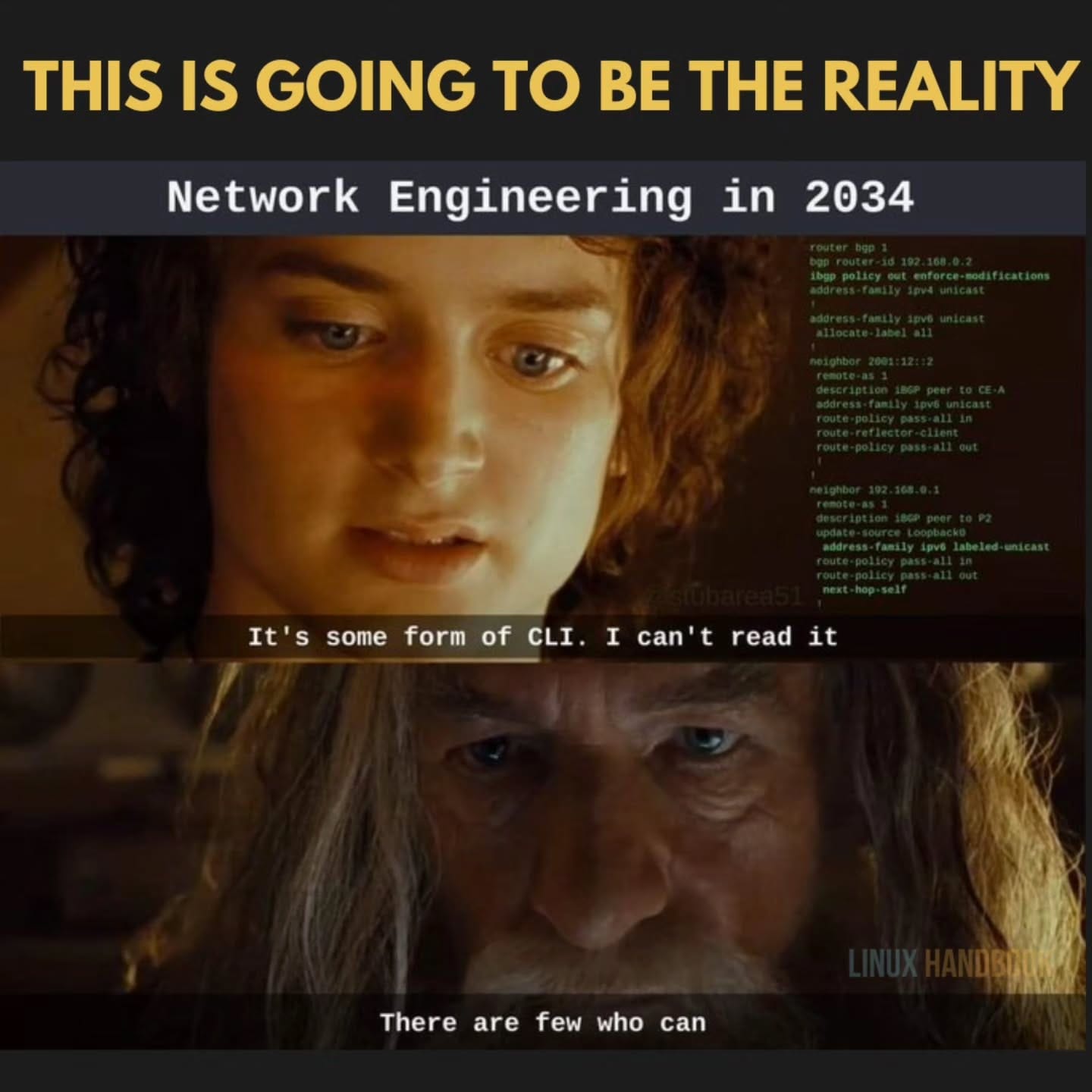
😂 Geek humor
💌 Keep on loving Linux Handbook
Become a Pro member · Browse courses · eBooks
Missed the previous editions? You can access the newsletter archives.
I like reading your messages, so just hit reply and tell me how you are enjoying Linux 😄