It's a short edition, but a timely one.
If you have an OpenCode Console account, jump to the news section first. A breach there may have exposed third-party API keys, and rotating yours now is cheap insurance.
Also, the Linux Foundation security certification sale I mentioned last week ends in a few hours. If you were on the fence, this is your last chance.
On the learning side, it's Bash arrays this week, plus a neat way to fill one straight from a command with mapfile.
Also, I have revamped the courses page so that you can have a better understanding of where to start learning.
🧵 One variable, many values
Most scripts start with plain variables. Then one day you need to hold a list of files, servers or usernames, and you end up with file1, file2, file3. That's when you need arrays.
servers=("web01" "web02" "db01")
echo "${servers[0]}"      # first element
echo "${#servers[@]}"     # number of elements
servers+=("cache01")      # append one more element
Indexing starts at 0, and the curly braces are essential. Otherwise echo $servers[0] will print web01[0], which is not what you would want.
The common confusing part is quoting. Always loop over "${servers[@]}" with the double quotes. It expands each element as its own word, so an item like my file.txt stays in one piece. Drop the quotes and Bash splits it into my and file.txt. Use "${servers[*]}" instead and you get everything together into a single string.
You can also take a slice. "${servers[@]:1:2}" gives you two elements starting from index 1.
When numbers don't make sense as keys, use an associative array. It maps names to values, like a dictionary:
declare -A port=([ssh]=22 [http]=80 [https]=443)
echo "${port[https]}" #outputs 443
So how do you fill an array with the output of a command? That's this week's tip.
💡 Quick terminal tip
The mapfile command lets you load command output directly into an array, no ugly while read loop needed. For example.
mapfile -t files < <(find . -name "*.log")
The above command searches the current directory (.) and all subdirectories for files ending in .log. And stores their paths as elements of the Bash array files.
Now, you can access each result as files[0], files[1], etc.
echo "${files[0]}"

⌛ Last call: security certifications at 40% off

Quick reminder from last week. The Linux Foundation's Cybersecurity Awareness Month sale ends today, 23rd October at 23:59 UTC.
If you manage servers, containers or pipelines, you're expected to know how to lock them down. A certification is how you prove it to someone who's hiring.
The CKS (Certified Kubernetes Security Specialist) is the obvious pick if you work with Kubernetes. You can bundle the KCSA (Kubernetes and Cloud Native Security Associate) and CKS exams for $387 instead of $645.
You get two exam attempts within 12 months, so you only need to buy today. Prepare over the next few months and sit the exam when you're ready.
📦 Self-hosting: itsaplan
itsaplan is an open-source, self-hosted project management platform designed for teams that work alongside AI agents. It combines issue tracking, planning, and collaboration features in a familiar Linear-style interface while keeping data under your control.


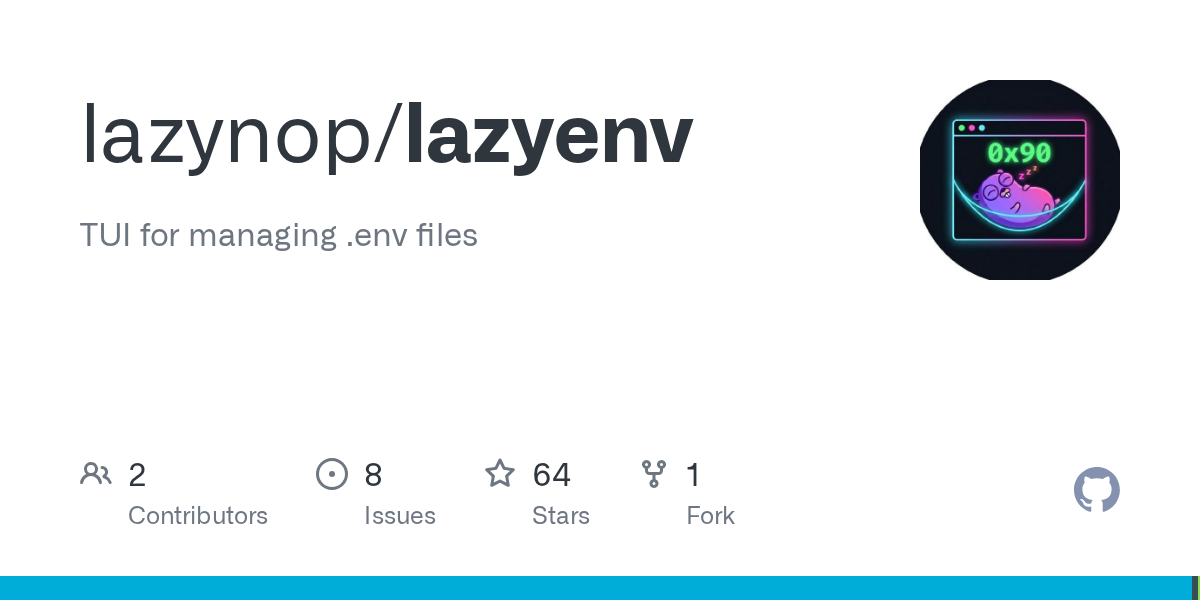
🛠️ Tool discovery: lazyenv
lazyenv is a terminal-based interface for viewing, editing, and managing .env files without manually scrolling through text files. It simplifies working with environment variables across local development, containers, and deployment workflows.

📰 Linux news that matters
- A breach affecting about 1.4% of OpenCode Console users may have exposed third-party API keys for providers including OpenAI, Anthropic, and Google after attackers gained access to a legacy system.
- Google has added local model support to the Antigravity SDK, allowing developers to run AI agents using local models such as Gemma 4 through LiteRT or OpenAI-compatible backends.
- Cloudflare has open-sourced Void, a collection of tools from the VoidZero team that includes a full-stack SDK, deployment CLI, and a self-hostable platform for managing employee-created applications.
- Harvard's analysis suggests that as AI makes writing code easier, engineering productivity will increasingly depend on improving validation and review processes rather than generating more code.
- A security reporting mistake exposed details of several unpatched Linux kernel vulnerabilities on the public Linux Kernel Mailing List (LKML), potentially giving attackers advance knowledge before fixes are widely deployed.
- GitHub Enterprise Cloud can now automatically enforce open source license compliance during pull requests, preventing non-compliant dependencies from entering codebases.
- Google has open-sourced TorchTPU, enabling native PyTorch workloads to run on TPUs while integrating with popular AI tools and frameworks such as Hugging Face, vLLM, SGLang, Ray, and TorchTitan.
- The PyTorch Foundation has added nine new members, including Shopify, Nebius, and Nscale, further strengthening the open-source AI ecosystem.
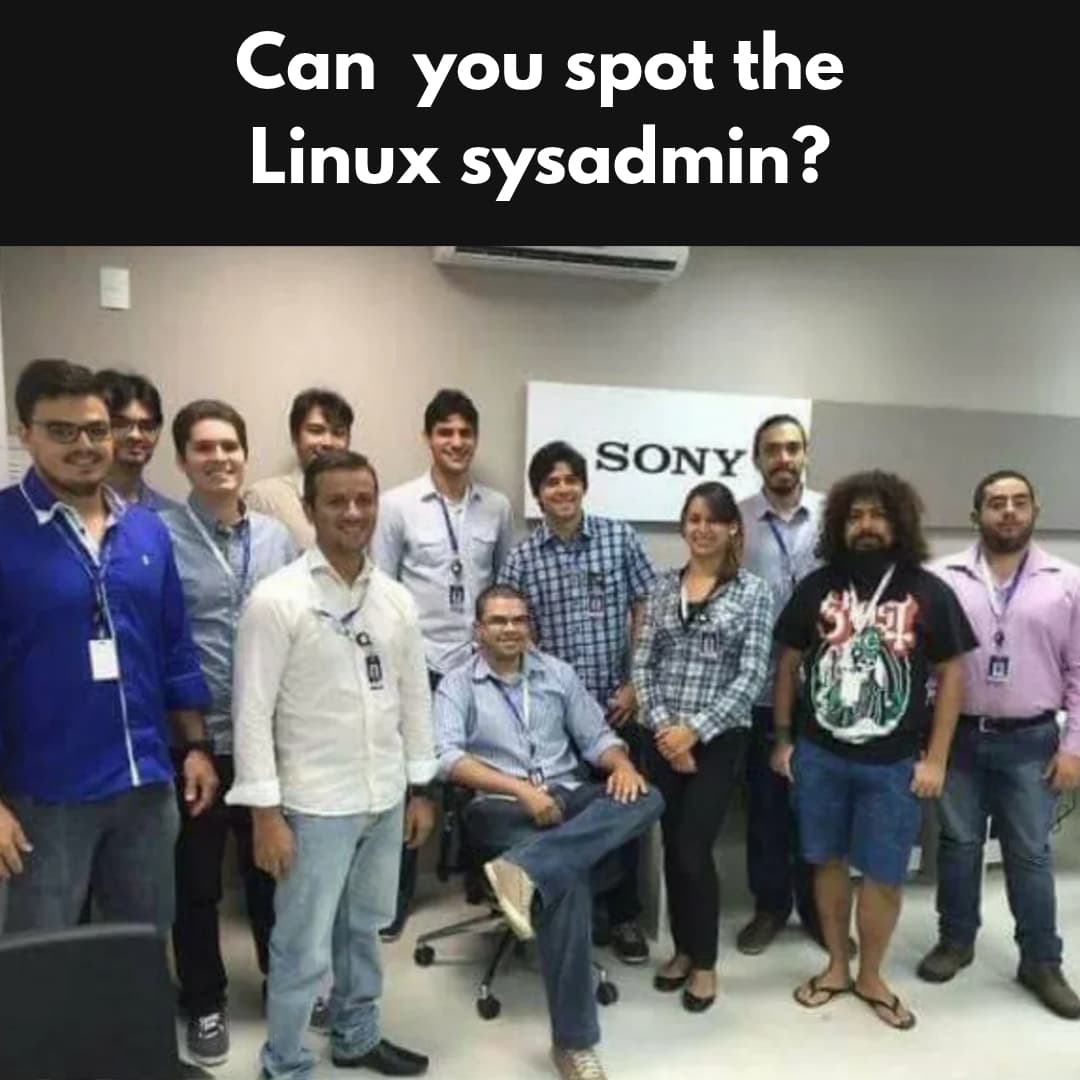
😂 Geek humor
💌 Keep on loving Linux Handbook
There is an AWS video course in works. It should be with you by Halloween 🎃
Become a Pro member · Browse courses · eBooks
Missed the previous editions? You can access the newsletter archives.
I like reading your messages, so just hit reply and tell me how you are enjoying Linux 😄