tail -f is the most common way to follow log files in real time. Sure, there are other ways, but tail remains the most popular of them all.
It works on the plain text log. If you want to check the journal log files in real time, you use the same f for follow:
journalctl -fNot just journalctl, docker logging has similar -f option for following logs from a docker container:
docker logs -f container_name_or_IDI wonder what other commands have "f for follow" feature.
Interested in improving your Linux networking knowledge? We have a hands-on micro course for you.
 Umair Khurshid

💡 Quick terminal tip
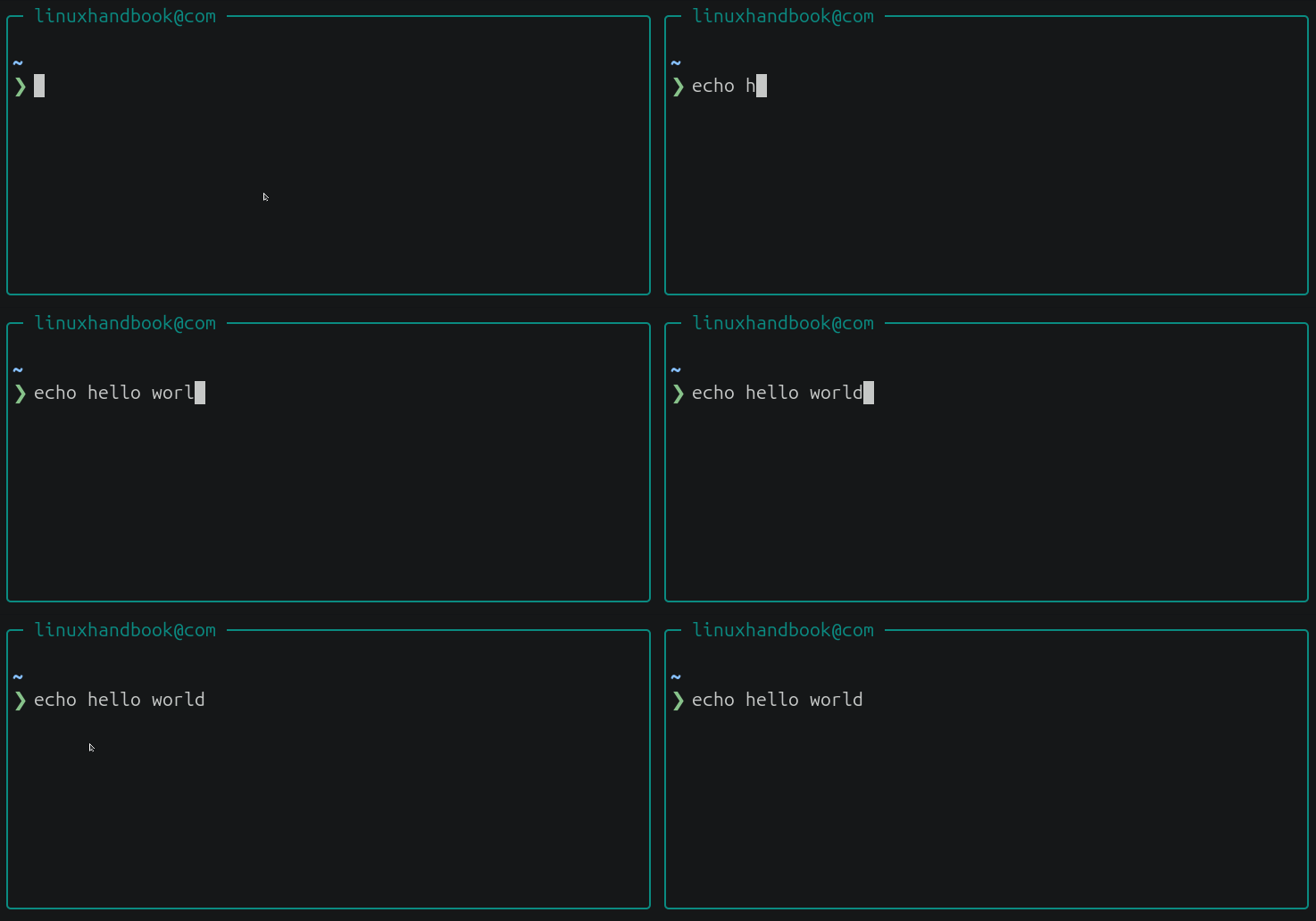
Made a change to the current command and want to revert it? Press:
Ctrl+_Bash will undo your most recent edit. Press it repeatedly to walk back through multiple changes, one step at a time. Remember that Ctrl+_ is often described as "undo", but that's misleading because it only applies to the current command line in Readline before you press Enter.
Certifications and Security for Cloud and DevOps eBooks by Wiley
Humble Bundle is offering 20-course library of practice exams and supplemental materials for AWS, Google Cloud, and Azure certifications. Your purchase supports the First Book charity organization.


📦 Self-hosting: Ackee
Ackee is a self-hosted analytics platform built with Node.js that helps website owners track traffic while prioritizing user privacy. It provides website analytics without relying on third-party tracking services.

🛠️ Tool discovery: File Mover Express
File Mover Express is an open-source file transfer application for moving data between local storage and Amazon S3. It combines a daemon-based transfer engine with GUI and CLI interfaces to support automated, high-performance file transfer workflows.

Clipse: A Configurable Clipboard Manager
Clipse is a configurable terminal-based clipboard manager for Unix-like systems. It keeps a searchable history of copied content, making it easier to revisit and reuse commands, text snippets, logs, and other clipboard entries.

📰 Linux news that matters
- Threat actors are increasingly deploying the open-source GSocket tool alongside cron jobs, systemd services, and the "Dirty Frag" kernel exploit (CVE-2026-43284) to maintain persistent, firewall-bypassing access on compromised Linux web servers through outbound encrypted relay tunnels.
- A critical flaw in Apache HTTP Server allows remote attackers to take control of affected servers without logging in, prompting administrators to install a newly released security update or turn off HTTP/2 support.
- Amazon Web Services has released a free, open-source tool built entirely by AI agents that lets developers run and test cloud applications locally on their own machines without connecting to the live cloud.
- Asahi Linux is moving all of its code repositories from the permissive MIT license to GPL v2 or later after bad actors copied unreleased code from developer forks and rewrote it using AI tools to hide its origin.
- OpenAI unveiled a security research pipeline that identified thousands of Linux kernel security findings, reproduced 1,724 vulnerabilities, and generated 948 local privilege-escalation exploits along with candidate patches for maintainer review.
- Microsoft is bringing a native version of Autoruns to Linux and releasing the first macOS port of Process Explorer. The company also announced updates to several existing non-Windows Sysinternals utilities, including Sysmon, Procmon, ProcDump for Linux, and ZoomIt for macOS.
- A newly disclosed OpenSSH flaw dubbed "*sshole" can allow logins to certain password-disabled accounts on musl-based Linux systems, including Alpine Linux, under specific configurations.
- Andrija Panić has released OpenVDDK, an open-source replacement for VMware's VDDK library after VMware restricted access to the original tool's downloads.
😂 Geek humor
I am sure it is running a server 😄

💌 Keep on loving Linux Handbook
The AWS video course is in post-production.
Become a Pro member · Browse courses · eBooks
Missed the previous editions? You can access the newsletter archives.
I like reading your messages, so just hit reply and tell me how you are enjoying Linux 😄