It's a security-heavy edition this time, and that's not entirely by design. October is Cybersecurity Awareness Month, a nasty VM escape bug just dropped, and the Linux Foundation has a sale on its security certifications.
If you're still working through Command Conqueror, you're already halfway into this world. Level 10 is privilege escalation after all. And I'm still waiting to hear how far you got 😉
And if cyber security is something that interests you, do try our 'Pentora Box' lab series. Basically, it has a collection of beginner-level pen-test scenarios that you can follow from your Linux system and do some hands-on practice.
🧵 Where does the output go?
Every command you run in Linux has two output channels. Standard output (stdout) carries the results. Standard error (stderr) carries the complaints. Both land on your screen, which is why they're so easy to confuse.
The difference shows up the moment you redirect. Run find / -name "*.conf" > results.txt and you'll still see a wall of "Permission denied" on your screen. That's because > only captures stdout. The errors went straight past it.
Each channel has a number. stdout is 1 and stderr is 2. So 2> redirects only the errors, and the classic way to silence them is to send them to /dev/null, the black hole of Linux:
find / -name "*.conf" 2>/dev/null
Want both in the same file? Use > file 2>&1, which says "send stderr wherever stdout is going". Order matters here. 2>&1 > file does not do the same thing, and it trips up a lot of people. The same trick works for discarding all output with /dev/null when you want a command to run silently.
And if you want to see the output and save it at the same time, use the tee command. Our beginner's guide to input, output and error redirection covers all of this in more detail.
💡 Quick terminal tip
You can pipe the standard output and standard error of a command to pager directly using the |& operation.
find / -name "*.conf" |& less
The above command will pipe the found result as well as errors to a less pager. No need to redirect output to a file and then view its contents.

🎓 Make your security skills official

Security isn't just a job for the security team anymore. If you manage servers, containers or pipelines, you're expected to know how to lock them down. A certification is how you prove it to someone who's hiring.
The Linux Foundation is running its Cybersecurity Awareness Month sale with up to 40% off security certifications, courses and bundles. It runs until 23rd October only, so hurry up.
The CKS (Certified Kubernetes Security Specialist) is the obvious pick if you work with Kubernetes. Actually, you can bundle Kubernetes and Cloud Native Security Associate (KCSA) + Certified Kubernetes Security Specialist (CKS) certification exams for $387 instead of $645.
You can attempt the exams twice in the timeframe of 12 months. Get it today, prepare for the exam for a few months and then attempt your certification.
📦 Self-hosting: Flame
Flame is a lightweight self-hosted start page that helps you organize bookmarks, services, and frequently used web apps from a single dashboard. It integrates well with Docker and makes managing homelab or self-hosted environments much more convenient through an easy-to-use web interface.


🛠️ Tool discovery: cocoindex-code
cocoindex-code is an AST-based semantic code search tool that helps AI coding agents find relevant code without repeatedly scanning an entire repository. By maintaining a lightweight local index, it reduces token usage and makes navigating large codebases significantly faster.


📰 Linux news that matters
- Microsoft has contributed a new
hv-iommu-guest drivertargeted for the upcoming Linux 7.4 cycle, providing a para-virtualized IOMMU implementation for Linux guests running on Hyper-V. - Researchers disclosed PwnEscape (CVE-2026-99999), a critical Linux kernel networking vulnerability that can allow code running inside a virtual machine to read host memory, crash the host, and potentially achieve host-level code execution.
- The Linux kernel community has reached consensus to deprecate the "Assisted-by" tag that asked contributors to disclose AI-assisted code generation in patch submissions.
- Anthropic has launched OSS Scanner, a free service that periodically scans participating open-source projects using Claude models and sends maintainers vulnerability reports, reproduction details, and remediation suggestions.
- GitHub introduced new fine-grained permissions, allowing automation to create repositories and manage app installations without requiring broad administrative privileges.
- npm now automatically expires newly created trusted publishing configurations if they do not complete a successful publish within 48 hours of creation.
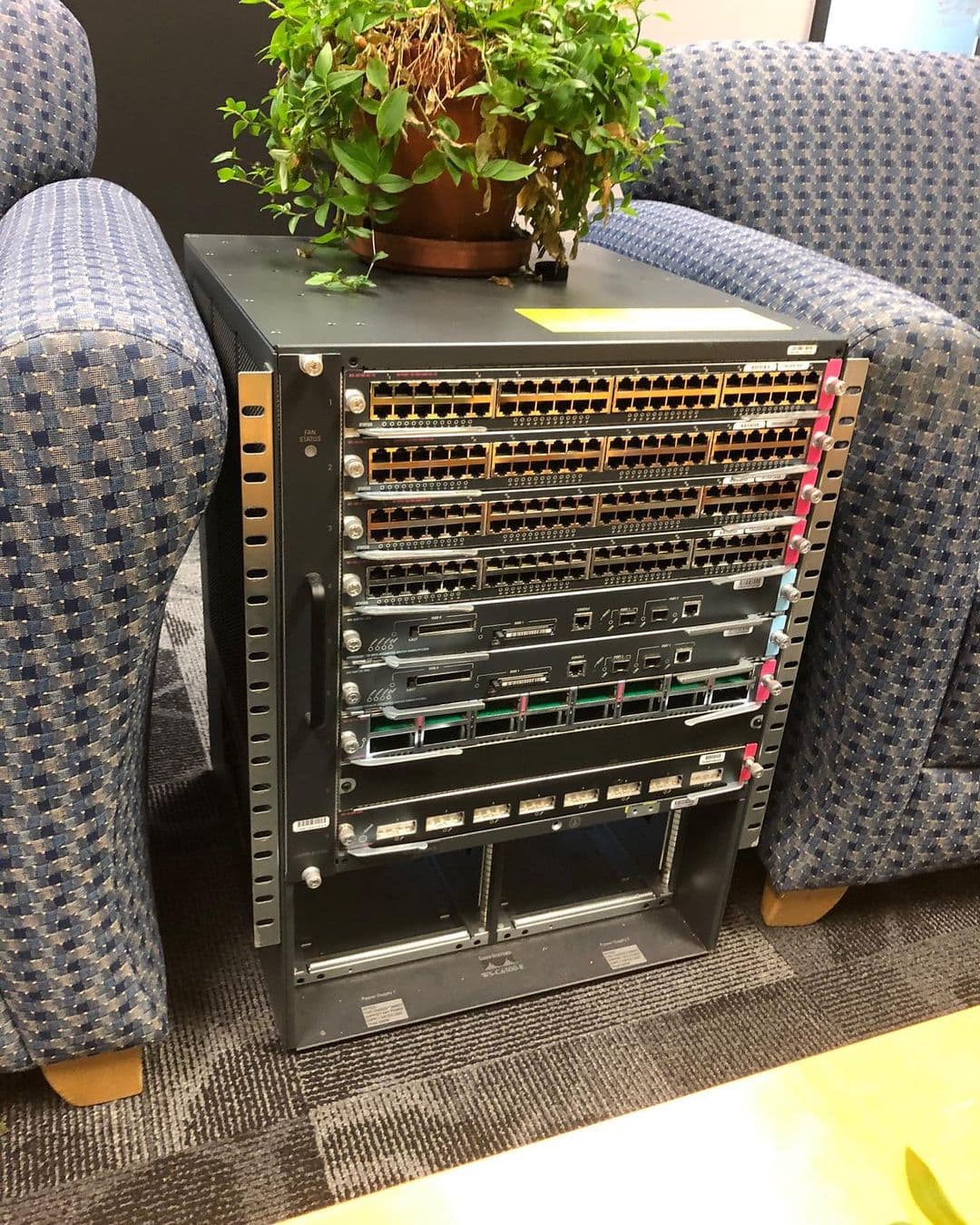
😂 Geek humor
💌 Keep on loving Linux Handbook
This CTF is free and so is Pentora Box and there will be more. It's the kind of thing our Pro members make possible. Pro gets you that plus every other course, all our eBooks, and every tutorial we've published.
Become a Pro member · Browse courses · eBooks
Missed the previous editions? You can access the newsletter archives.
I like reading your messages, so just hit reply and tell me how you are enjoying Linux 😄