I spent time evaluating these across personal homelab setups, team documentation workflows, and AI-augmented note-taking, filtering down to 11 tools that solve real problems that cloud-only solutions like Notion and Confluence leave unaddressed.
There's a reason self-hosted knowledge bases are surging in interest right now: local AI integration. Tools like Claude (via MCP), Ollama-backed local LLMs, and RAG pipelines mean you can now ask your own knowledge base questions in natural language, without sending your private notes to a third-party server. The difference between a knowledge base that supports Markdown on disk and one that locks you into a proprietary format is now the difference between AI-queryable and AI-blind.
Short on time? Jump to the comparison table below, or use the headers to find your fit.
At a Glance: All 11 Tools Compared
Here's a quick overview before the full breakdowns.
| Tool | Best For | AI Integration | Managed Hosting | Our Pick |
|---|---|---|---|---|
| Outline | Team wikis with Claude/MCP support | MCP + built-in AI search | ✅ Official cloud | 🏆 Top Pick |
| BookStack | Simple structured team docs | API-connectable | ❌ Self-host only | Best for Simplicity |
| Wiki.js | Developer-first wikis | Via modules + API | ❌ Self-host only | Best for Devs |
| Obsidian | Personal knowledge + AI plugins | Ollama + Claude plugins | ✅ Obsidian Sync (paid) | Best Personal PKM |
| AFFiNE | Notion-like all-in-one + whiteboard | Built-in Copilot (Claude/OpenAI/Gemini) | ✅ AFFiNE Cloud | Best Notion Alternative |
| SiYuan | Private block-based PKM | Local AI proxy support | ✅ Official service | Best Privacy-First Pick |
| Logseq | Networked thought + graph view | Ollama + API plugins | ❌ Self-host only | Best Graph Thinker |
| AppFlowy | Open Notion replacement | AI integrations in progress | ✅ AppFlowy Cloud | Best Growing Alternative |
| Trilium Notes | Deep hierarchical personal knowledge | API scripting + LLM bridges | ❌ Self-host only | Best Power User PKM |
| Anytype | Local-first object-based knowledge | Planned | ✅ Anytype Sync | Best for Offline-First |
| Joplin | Portable encrypted notes + sync | AI plugins + Joplin AI | ✅ Joplin Cloud (paid) | Best Portable Notes |
Now let's go through each one.
Outline - Best Team Knowledge Base with Native Claude/MCP Integration
Outline is a fast, Markdown-based team wiki and knowledge base that has quietly become the go-to self-hosted alternative to Notion/Confluence for small-to-medium teams - and its Model Context Protocol (MCP) support now lets you connect Claude directly to your Outline wiki to search, read, and write documents through natural language.
Who it's best for: Engineering teams and small companies who want a clean, fast, team-accessible wiki that doesn't require a Confluence subscription - especially teams that want Claude or other AI assistants to be able to query the wiki directly.
Quick Setup:
git clone https://github.com/vicalloy/outline-docker-compose.git
cd outline-docker-compose
cp scripts/config.sh.sample scripts/config.sh
# update config file: vim scripts/config.sh
make install  # Create a docker-compose config file and start it. Initializing the oidc-server(add oidc client for outline and create a superuser).
You will be asked to set up the username and the password for the authentication. Once you set all the things, you will see the outline running on localhost:8888 as below:
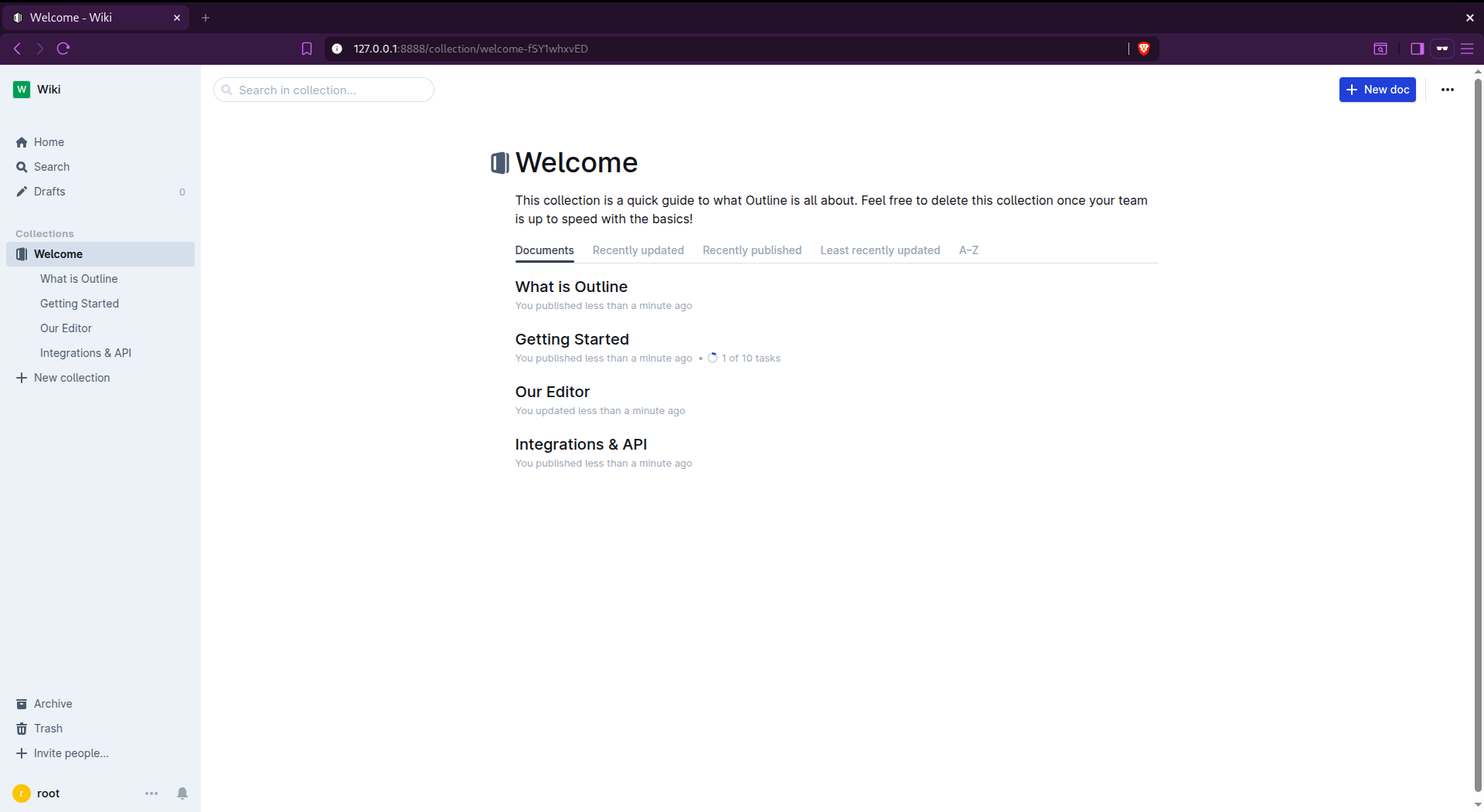
The Claude/MCP integration is the headline feature here. With the Outline MCP server, Claude can search your wiki, fetch document contents, and even create or update documents.
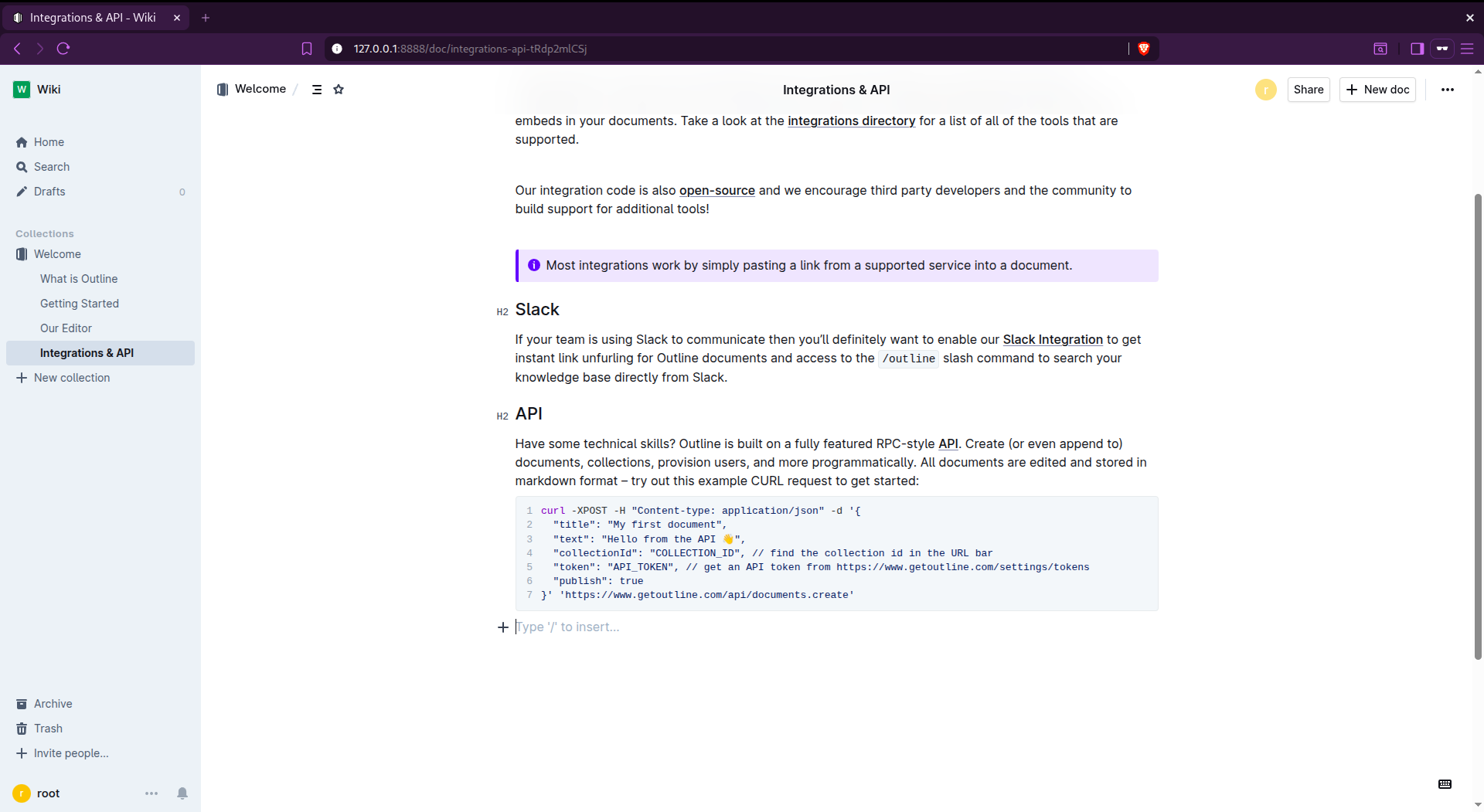
- Built-in AI-powered search that answers questions from your docs
- Official MCP server for Claude, Cursor, and VS Code AI integrations
- Export any document or entire workspace as Markdown, HTML, or JSON
- Guest links, public collections, and team permissions
- Official managed cloud option if self-hosting isn't your preference
- Self-hosting requires PostgreSQL + Redis
- Not a trivial single-container setup
- OIDC/SSO setup adds complexity for secure multi-user deployments
- Real-time collaboration editing is limited compared to Google Docs
Verdict: The most AI-forward self-hosted team wiki available today. If your team uses Claude and wants the AI to actually know what's in your internal docs, Outline's MCP integration makes that real.
BookStack - Best Self-Hosted Wiki for Simple, Structured Team Documentation
BookStack is a self-hosted documentation platform organized around a physical book metaphor: Books → Chapters → Pages. It's opinionated in the best way, the structure makes sense immediately, and there's virtually no setup overhead for the end user.
Who it's best for: Small teams, IT departments, and homlab operators who need a clean, no-frills internal wiki for SOPs, runbooks, and project docs and don't want to spend time configuring the tool itself before using it.
Quick Setup:
#docker compose file
services:
  bookstack:
    image: lscr.io/linuxserver/bookstack:latest
    container_name: my_bookstack
    environment:
      - PUID=1000
      - PGID=1000
      - APP_URL=http://localhost:6875
      - APP_KEY=[key]
      - DB_HOST=my_bookstack_db
      - DB_USER=bookstack
      - DB_PASS=yourpassword
      - DB_DATABASE=bookstackapp
    volumes:
      - ./bookstack_app_data:/config
    ports:
      - 6875:80
    restart: unless-stopped
    depends_on:
      - bookstack_db

  bookstack_db:
    image: lscr.io/linuxserver/mariadb:latest
    container_name: my_bookstack_db
    environment:
      - PUID=1000
      - PGID=1000
      - MYSQL_ROOT_PASSWORD=yourpassword
      - TZ=Etc/UTC
      - MYSQL_DATABASE=bookstackapp
      - MYSQL_USER=bookstack
      - MYSQL_PASSWORD=yourpassword
    volumes:
      - ./bookstack_db_data:/config
    restart: unless-stopped
You need to set the parameters as per your requirements, then after docker compose up you will see the application running on localhost:6875. You just need to generate one APP_KEY then you can replace the same and run the compose file.
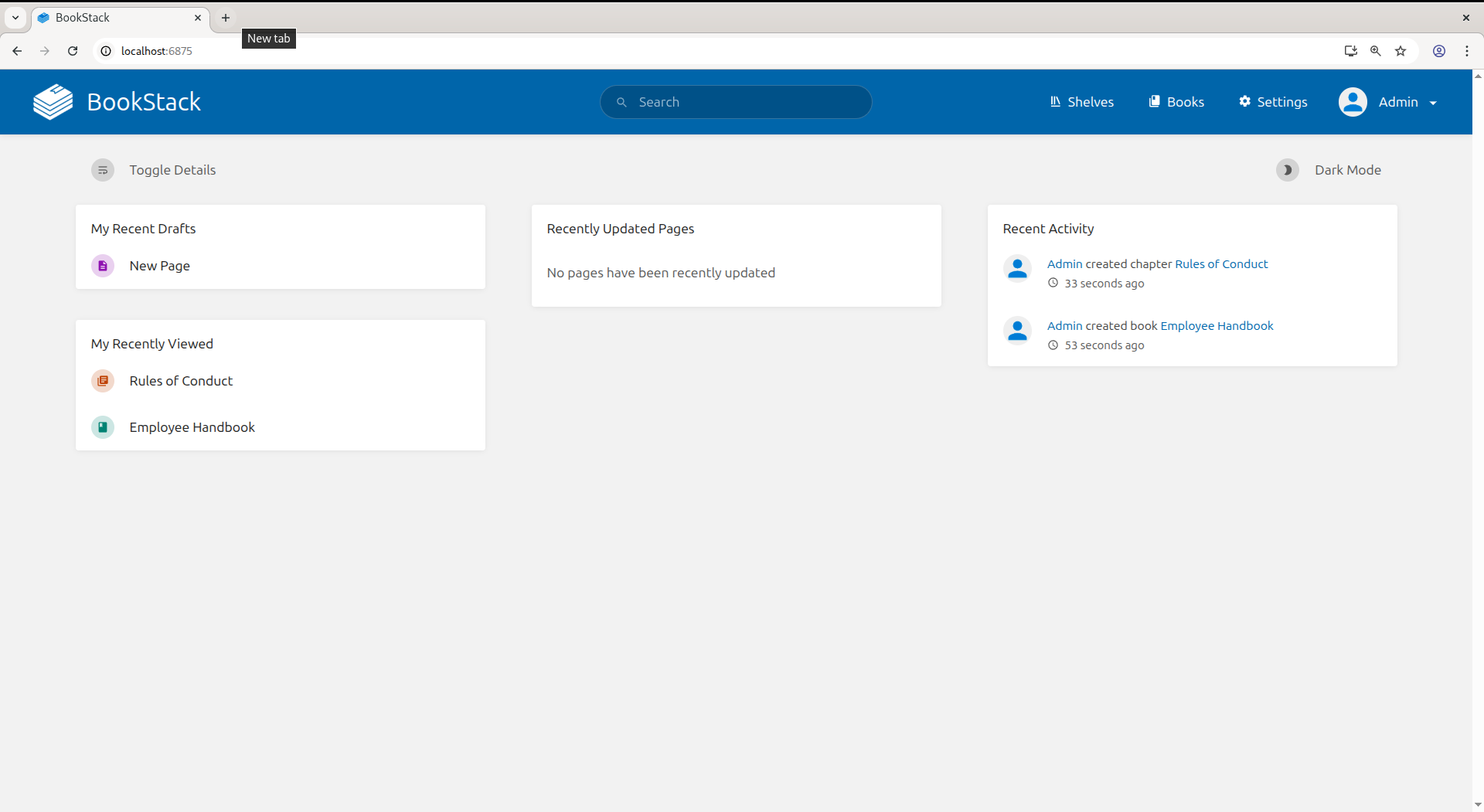
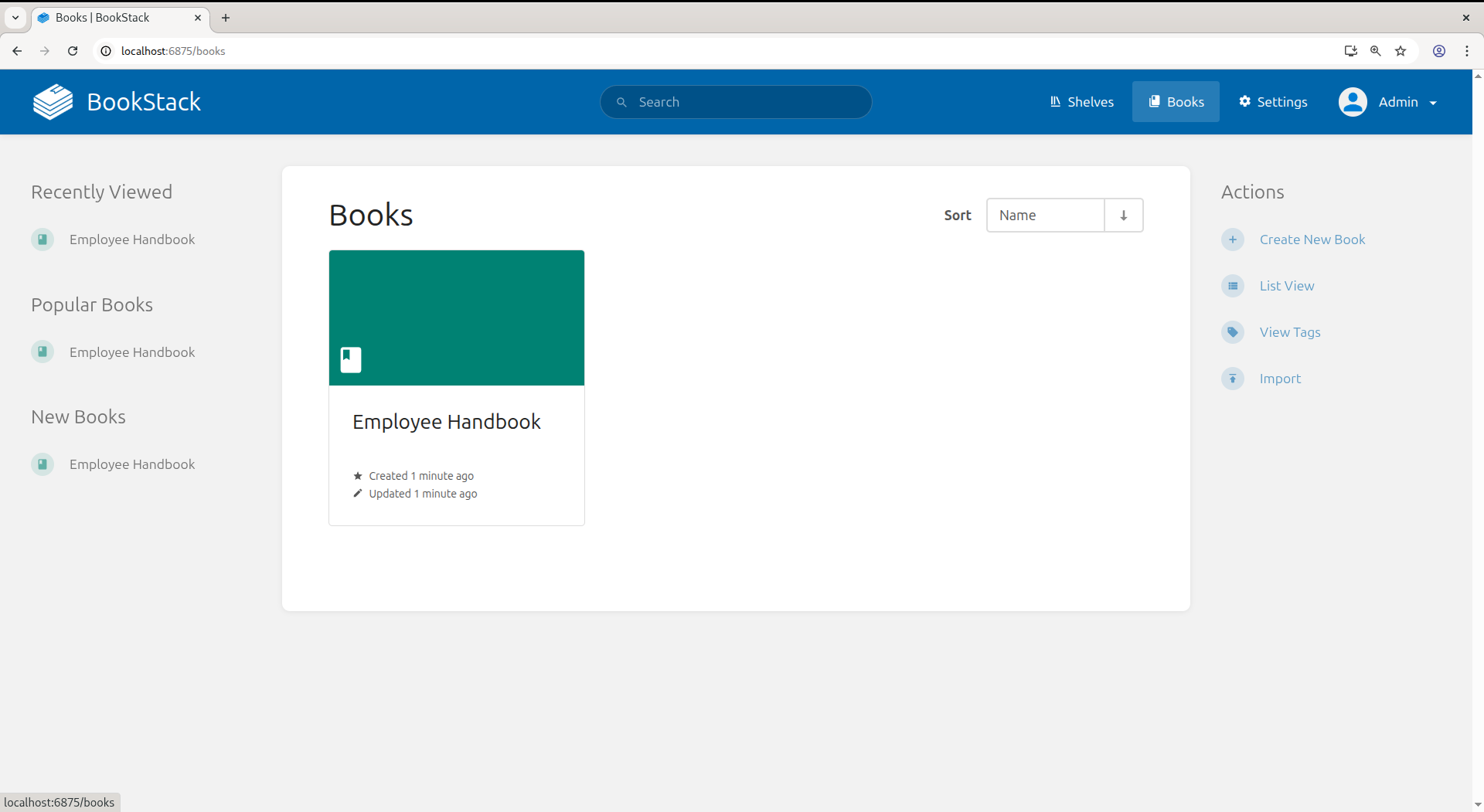
You will see a simple minimalist view which represents the books, chapters and pages. Export formats: Markdown, HTML, PDF, Plain Text, ZIP (portable backup of an entire Book or shelf).
- Extremely clean UX, non-technical users don't need training
- Full REST API for AI integrations and automation
- Export: MD, HTML, PDF, TXT, Portable ZIP for full backups
- Diagram support (draw.io) built in-Active development, large community, great documentation- LDAP and SAML SSO support
- No official managed hosting, you self-host or look for third-party providers
- Page editor is limited for power users compared to Notion-like block editors
- No graph view, backlinks, or bidirectional linking- AI integration requires third-party tooling via the API
Verdict: The most production-ready, plug-and-play wiki on this entire list. If your team has been putting off setting up internal documentation because every option felt complex, BookStack removes that excuse.
Wiki.js - Best Self-Hosted Wiki for Developer Teams
Wiki.js is a modern, Node.js-based wiki platform with multiple storage backends, including Git sync - meaning your documentation can live as Markdown files in a Git repository, automatically synced both ways. This makes it trivially easy to point AI tools at your docs.
Who it's best for: Developer teams who want their documentation to live in Git alongside their code and want a clean web UI on top without giving up version history, PRs, or `git blame` for docs.
Quick Setup:
services:
  db:
    image: postgres:15-alpine
    environment:
      POSTGRES_DB: wiki
      POSTGRES_PASSWORD: wikijsrocks
      POSTGRES_USER: wikijs
    volumes:
      - db-data:/var/lib/postgresql/data
    restart: unless-stopped

  wiki:
    image: ghcr.io/requarks/wiki:2
    depends_on:
      - db
    environment:
      DB_TYPE: postgres
      DB_HOST: db
      DB_PORT: 5432
      DB_USER: wikijs
      DB_PASS: wikijsrocks
      DB_NAME: wiki
    ports:
      - "3000:3000"
    restart: unless-stopped

volumes:
  db-data:
After running the compose, you will be able to see the application running:
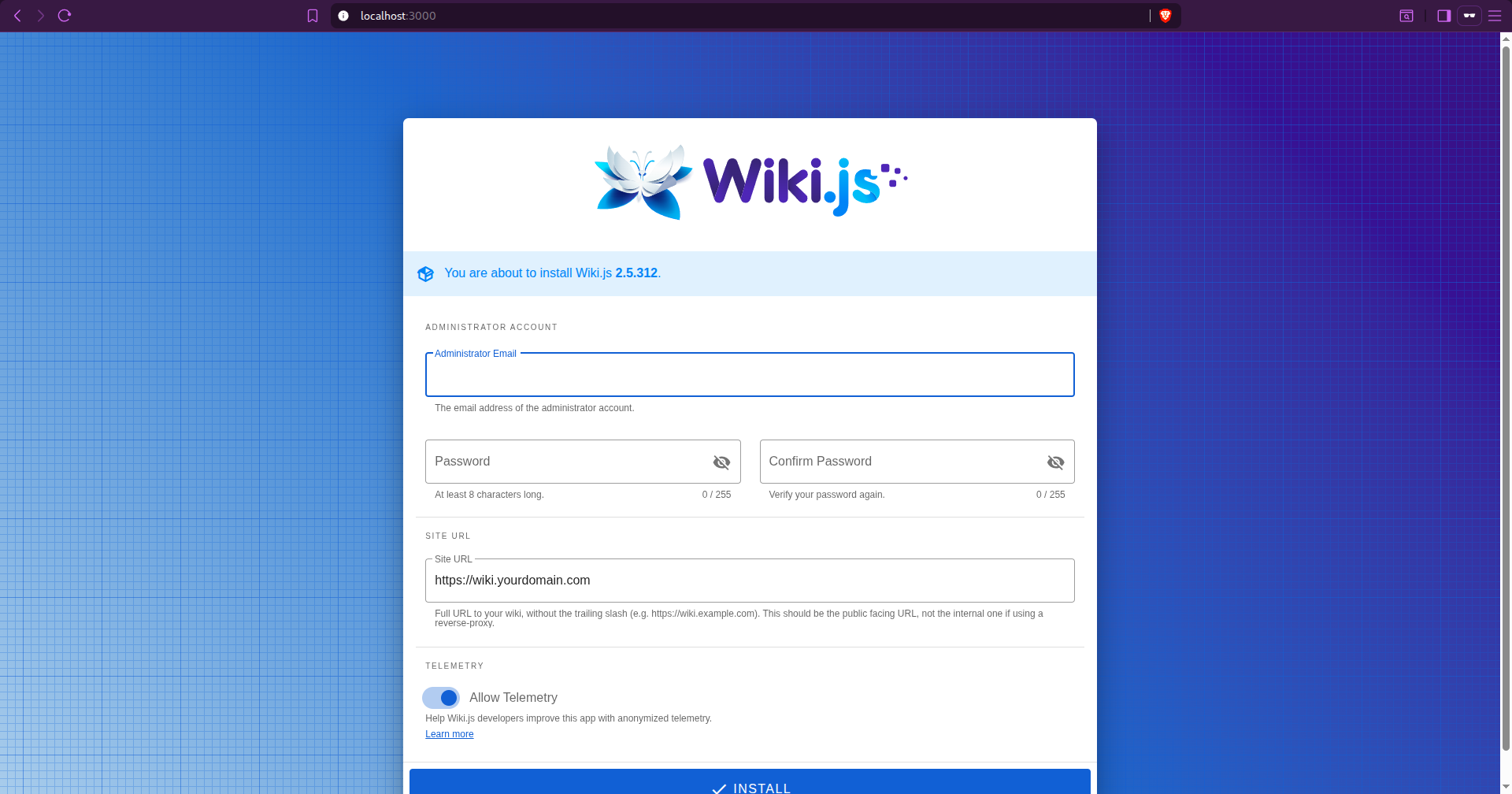
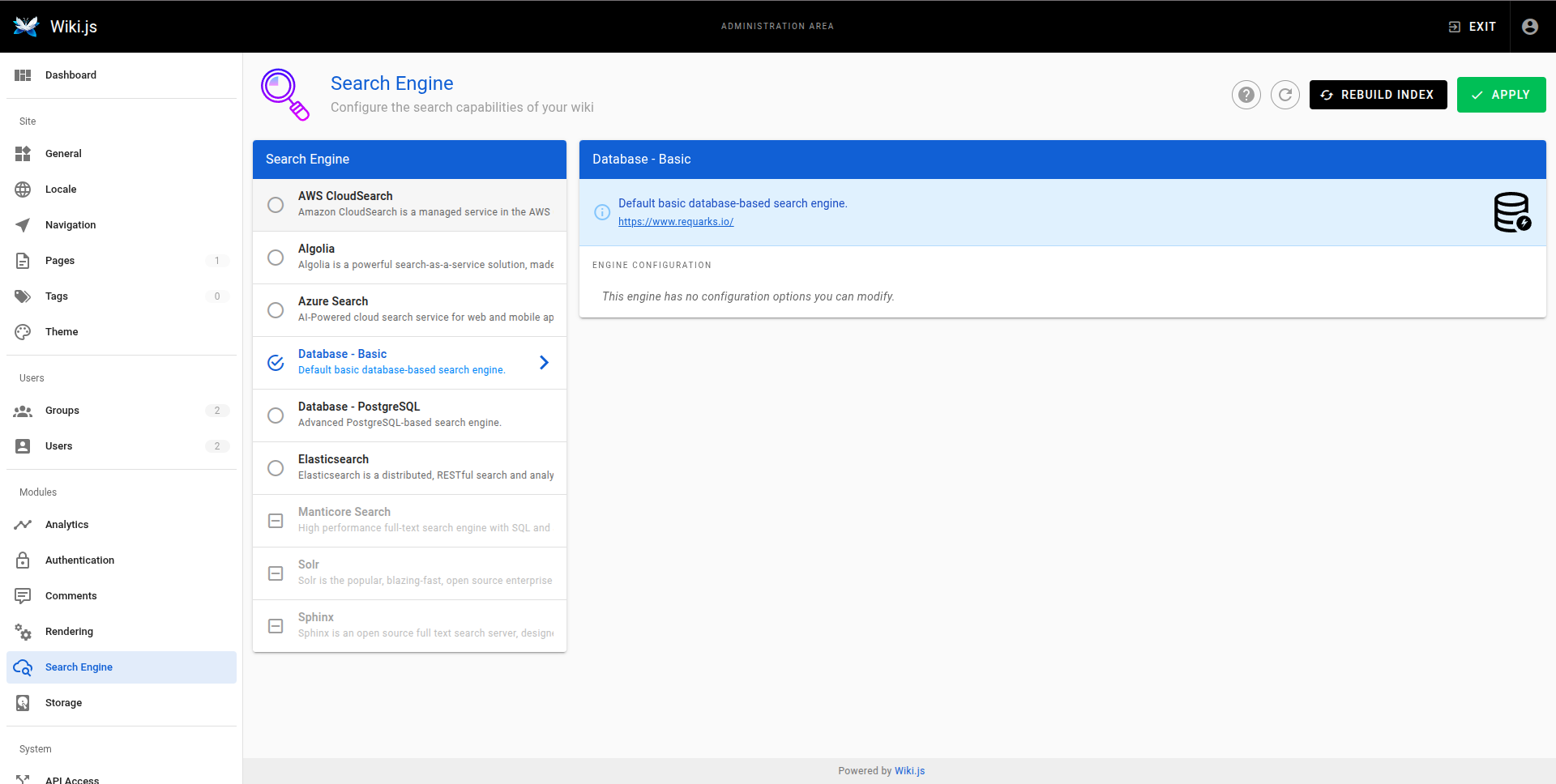
After the initial setup of the email and password, you will get to see different features like search engines, API access, authentication, storage, analytics and many more.
- Git-backed storage keeps docs in Markdown in a real Git repo
- Multiple database backends: PostgreSQL, MySQL, SQLite, MSSQL
- LDAP, SAML, Auth0, Google, GitHub SSO all configurable
- Beautiful, modern reader and editor UI
- No managed hosting option (self-host only)
- Setup is heavier than BookStack
- Wiki.js 3.x has been in development for a long time;c stable 2.x is the current release
- No graph/backlink view
Verdict: The best choice for engineering teams who want their wiki to behave like their code, in Git, reviewable, version-controlled, and introspectable by any AI tool that can read a repo.
Obsidian - Best Personal Knowledge Base with AI Plugin Ecosystem
Obsidian stores your notes as plain Markdown files on disk, which sounds simple, but it means you have the most AI-friendly knowledge base possible. Every local LLM (via Ollama), every AI agent (including Claude via MCP), and every search tool can work directly with your notes without any export step.
Who it's best for: Researchers, writers, developers, and knowledge workers who want a powerful personal knowledge base with bidirectional links, a graph view, and access to the richest AI plugin ecosystem of any PKM tool available.
Quick Setup:
services:
  obsidian:
    image: lscr.io/linuxserver/obsidian:latest
    container_name: obsidian
    environment:
      - PUID=1000
      - PGID=1000
      - TZ=Etc/UTC
    volumes:
      - obsidian-config:/config
    ports:
      - 3000:3000
      - 3001:3001
    restart: unless-stopped
    shm_size: "1gb"

volumes:
  obsidian-config:
After setting up your obsidian will be running on localhost:3000
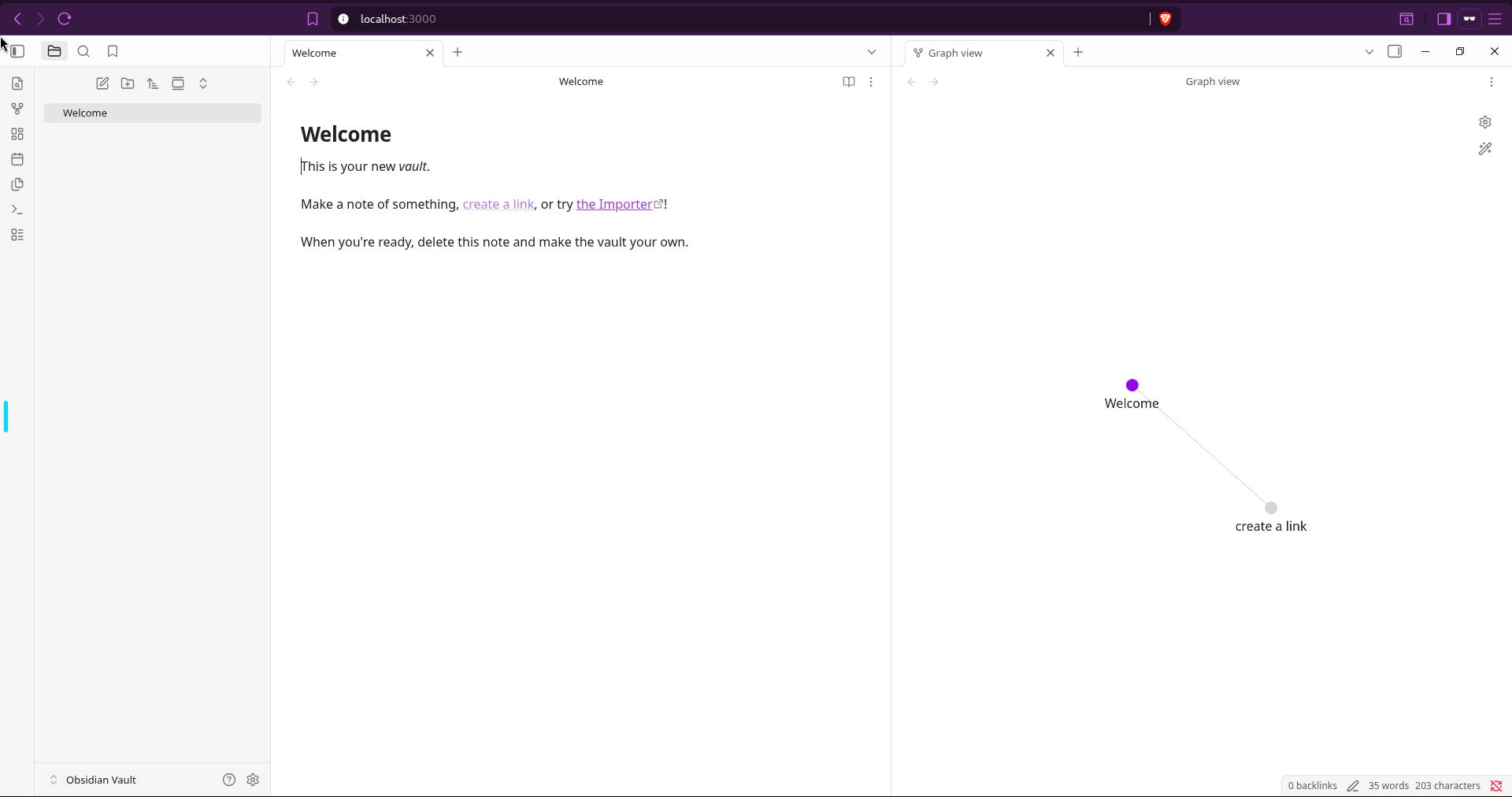
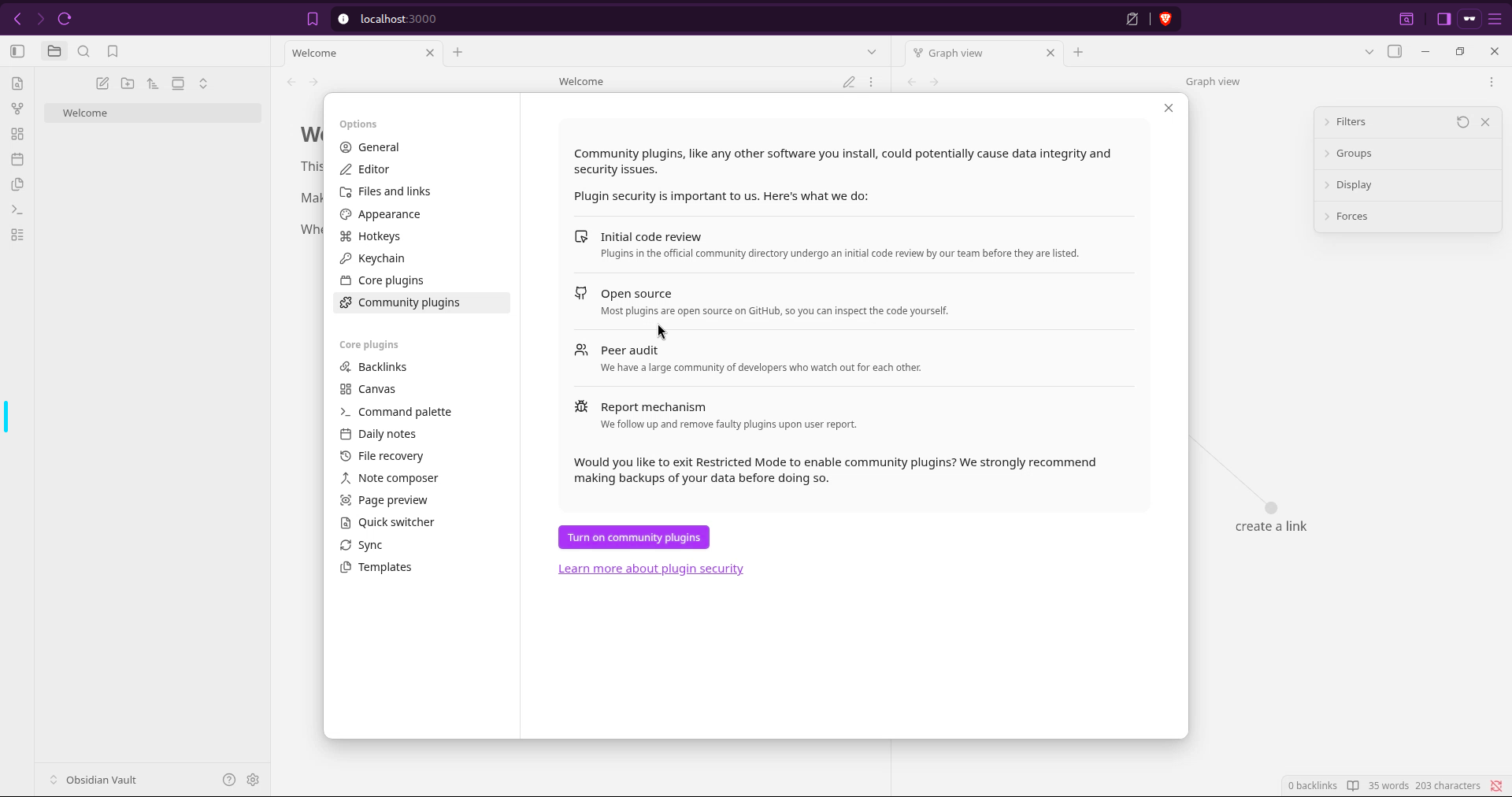
It supports many open source and community plugins and the graph view is one of the most promising features. Through these plugins, like obsidian-mcp you can expose your Obsidian vault to Claude desktop.
- Files are just
.md files in a folder, zero lock-in, maximum AI compatibility- Graph view shows the full web of connected notes
- 1000+ community plugins including mature AI integrations (Ollama, Claude, OpenAI)
- Bidirectional links, tags, data views, daily notes, canvases
- Claude MCP integration lets Claude read your vault natively
- Not a team/shared knowledge base, designed for a single user's vault
- AI plugins require setup time, no "AI that just works" out of the box
- Graph view can become overwhelming with large vaults
Verdict: The most AI-ready knowledge base because it's the most file-system-friendly. Your notes are just Markdown. Claude can read them via MCP. Ollama can embed them for RAG. If AI augmentation of your personal knowledge base matters, start here.
AFFiNE - Best All-in-One Knowledge Base with Built-In AI Copilot
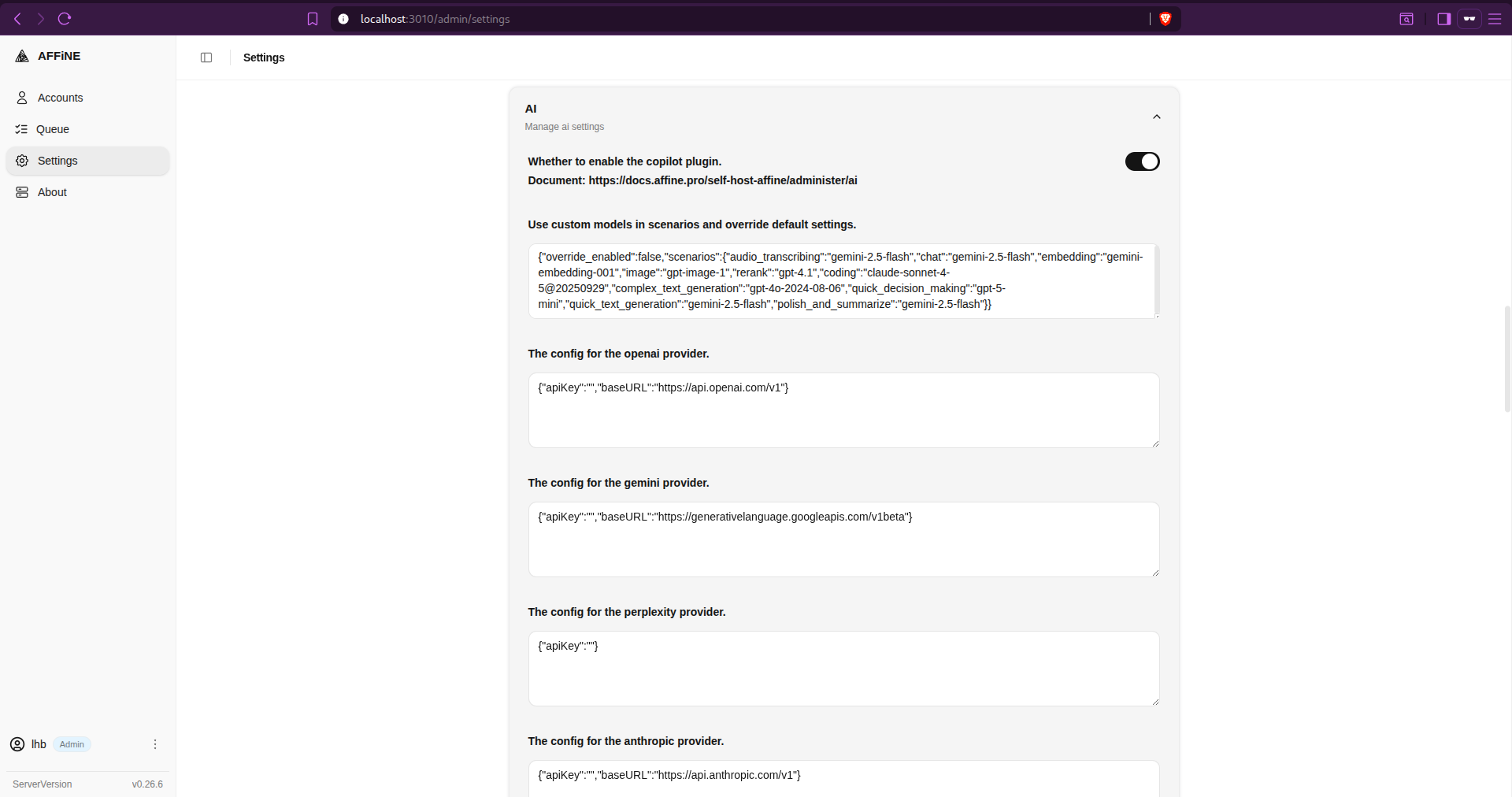
AFFiNE is an open-source, self-hostable Notion alternative that combines documents, databases, and an infinite whiteboard canvas - with a built-in AI Copilot that supports Claude, OpenAI, and Gemini models, configurable from the admin console of your self-hosted instance.
Who it's best for: Teams and individuals who want the Notion all-in-one experience (notes + projects + databases + visual thinking) but want to self-host their data and plug in their own AI provider, including Claude.
Quick Setup:
name: affine
services:
  affine:
    image: ghcr.io/toeverything/affine:${AFFINE_REVISION:-stable}
    container_name: affine_server
    ports:
      - '${PORT:-3010}:3010'
    depends_on:
      redis:
        condition: service_healthy
      postgres:
        condition: service_healthy
      affine_migration:
        condition: service_completed_successfully
    volumes:
      # custom configurations
      - ${UPLOAD_LOCATION}:/root/.affine/storage
      - ${CONFIG_LOCATION}:/root/.affine/config
    env_file:
      - .env
    environment:
      - REDIS_SERVER_HOST=redis
      - DATABASE_URL=postgresql://${DB_USERNAME}:${DB_PASSWORD}@postgres:5432/${DB_DATABASE:-affine}
      - AFFINE_INDEXER_ENABLED=false
    restart: unless-stopped

  affine_migration:
    image: ghcr.io/toeverything/affine:${AFFINE_REVISION:-stable}
    container_name: affine_migration_job
    volumes:
      # custom configurations
      - ${UPLOAD_LOCATION}:/root/.affine/storage
      - ${CONFIG_LOCATION}:/root/.affine/config
    command: ['sh', '-c', 'node ./scripts/self-host-predeploy.js']
    env_file:
      - .env
    environment:
      - REDIS_SERVER_HOST=redis
      - DATABASE_URL=postgresql://${DB_USERNAME}:${DB_PASSWORD}@postgres:5432/${DB_DATABASE:-affine}
      - AFFINE_INDEXER_ENABLED=false
    depends_on:
      postgres:
        condition: service_healthy
      redis:
        condition: service_healthy

  redis:
    image: redis
    container_name: affine_redis
    healthcheck:
      test: ['CMD', 'redis-cli', '--raw', 'incr', 'ping']
      interval: 10s
      timeout: 5s
      retries: 5
    restart: unless-stopped

  postgres:
    image: pgvector/pgvector:pg16
    container_name: affine_postgres
    volumes:
      - ${DB_DATA_LOCATION}:/var/lib/postgresql/data
    environment:
      POSTGRES_USER: ${DB_USERNAME}
      POSTGRES_PASSWORD: ${DB_PASSWORD}
      POSTGRES_DB: ${DB_DATABASE:-affine}
      POSTGRES_INITDB_ARGS: '--data-checksums'
      # you better set a password for you database
      # or you may add 'POSTGRES_HOST_AUTH_METHOD=trust' to ignore postgres security policy
      POSTGRES_HOST_AUTH_METHOD: trust
    healthcheck:
      test:
        ['CMD', 'pg_isready', '-U', "${DB_USERNAME}", '-d', "${DB_DATABASE:-affine}"]
      interval: 10s
      timeout: 5s
      retries: 5
    restart: unless-stopped
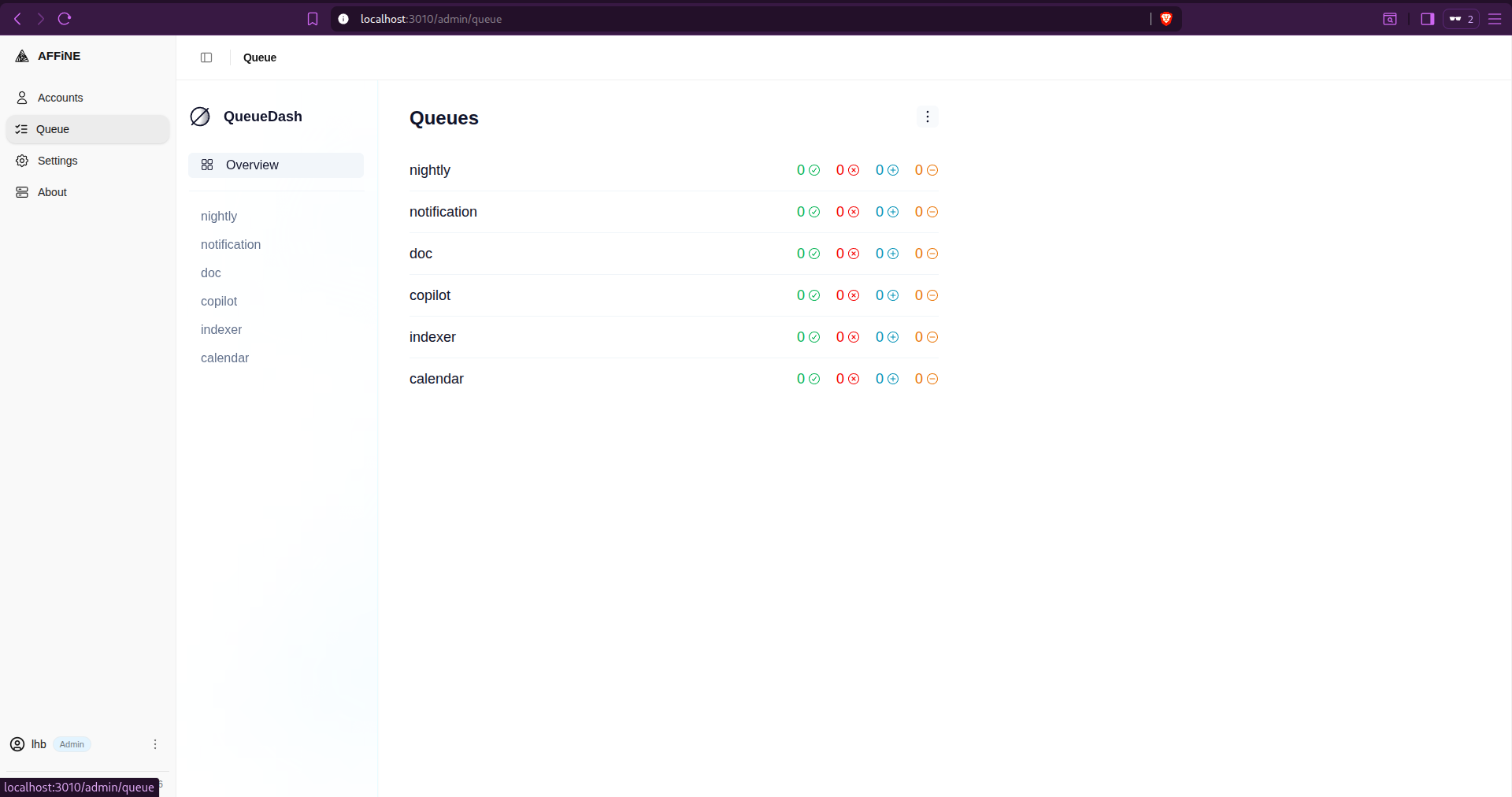
After setting up, your application will be running on localhost:3010
You can also manage AI integration through the settings by providing API_KEY and necessary URLs.
- Built-in AI Copilot, supports Claude, OpenAI, Gemini; configure your own API key
- Edgeless whiteboard mode for visual thinking alongside structured docs
- True offline mode, works without internet connection
- Open-source (MIT License) with AFFiNE Cloud as managed hosting option
- Import from Notion (ZIP export), legit migration path
- AI features require PostgreSQL with
pgvector adds infra complexity for self-hosters- Still actively maturing, some rough edges vs. Notion's polish
- Whiteboard + docs + databases in one can feel overwhelming initially
- Mobile apps are new and less polished than desktop ones
Verdict: The most feature-complete open-source Notion alternative, and the only one with a genuinely integrated AI Copilot you can point at Claude. For teams migrating from Notion who want to keep their AI features, this is the path.
SiYuan Notes - Best Privacy-First Knowledge Base with Local-First Architecture
SiYuan is a block-based, local-first personal knowledge management system with a built-in SQLite index, which means you get powerful block-level cross-referencing and database-like queries entirely on your own machine, with no mandatory cloud connection.
Who it's best for: Privacy-conscious individuals and power users who want deep block-level relational linking, a clean self-contained app, and the option to self-host their own sync server without any third-party cloud involvement.
Quick Setup:
version: "3.9"
services:
  siyuan:
    image: b3log/siyuan
    command: ["--workspace=/siyuan/workspace/", "--accessAuthCode=siyuanrocks"]
    ports:
      - 6806:6806
    volumes:
      - siyuan-data:/siyuan/workspace
    restart: unless-stopped

volumes:
  siyuan-data:
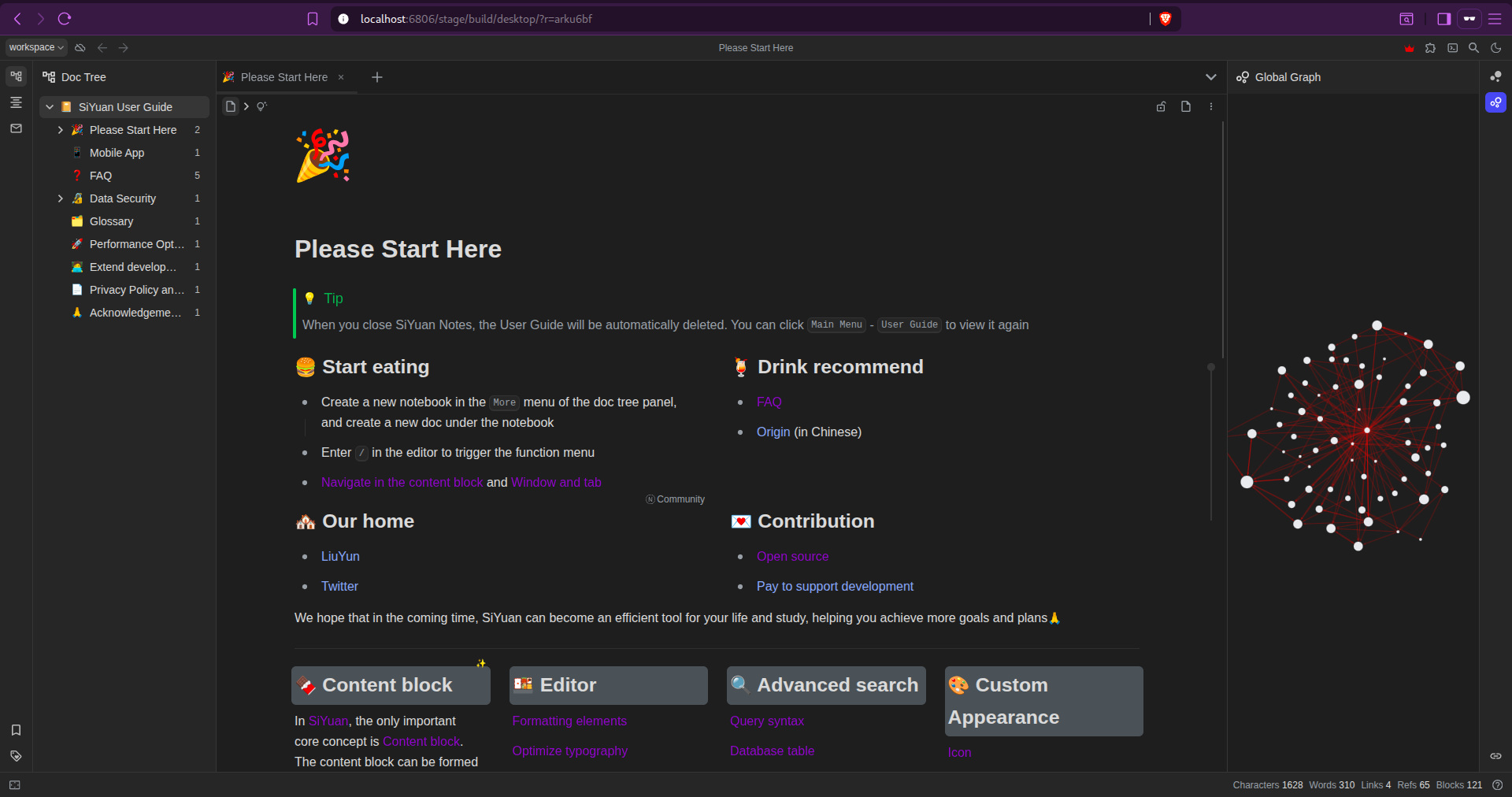
After running the setup you need to enter the authcode that you have set in the configuration in this case: siyuanrocks
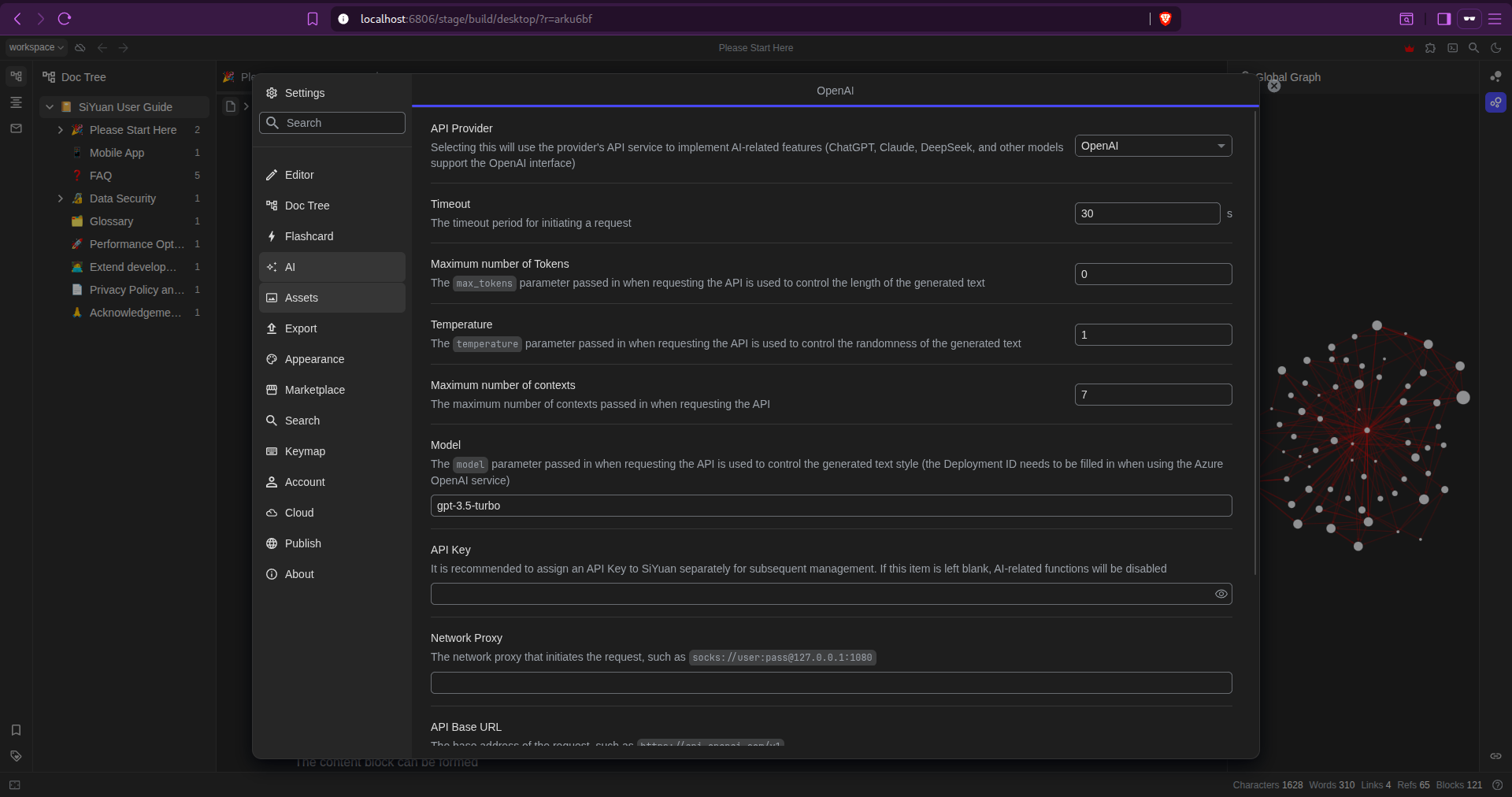
You can also get the AI features through the API_KEY of ChatGPT, Claude, DeepSeek, and other models that support the OpenAI interface.
- Completely local-first, no cloud required for any core feature
- Block-level SQL queries and relational cross-referencing built in
- End-to-end encryption for sync, data never leaves encrypted in transit
- Docker server mode, self-host your own sync for family or small team
- AI integration via API, community projects bridge SiYuan to local LLMs
- Native format (
.sy) is custom JSON, requires conversion for AI tools (use Markdown export)- Community is smaller than Obsidian, with fewer third-party AI plugins
- Steeper learning curve than BookStack or Outline
- Mobile apps exist, but sync setup requires technical comfort
Verdict: The most technically sophisticated privacy-first PKM on the list. The SQL-queryable block database is genuinely unique; no other tool on this list lets you run relational queries across your notes like this.
Logseq - Best Knowledge Base for Networked Thought and Graph-Based Thinking
Logseq is a local-first, outline-based knowledge tool built around the concept of networked thought, every bullet point is a block that can be referenced from anywhere, and a graph view visualizes the connections between all your notes. Like Obsidian, it stores everything as plain Markdown (or Org-mode) files on disk.
Who it's best for: Researchers, academics, writers, and deep thinkers who work with connecting ideas across many notes, anyone who has found flat note apps limiting and wants to see how their knowledge relates to itself.
Quick Setup:
services:
  logseq:
    image: ghcr.io/logseq/logseq-webapp:latest
    ports:
      - "3001:80"
    restart: unless-stopped
After deploying the setup, the Logseq will be available at localhost:3001
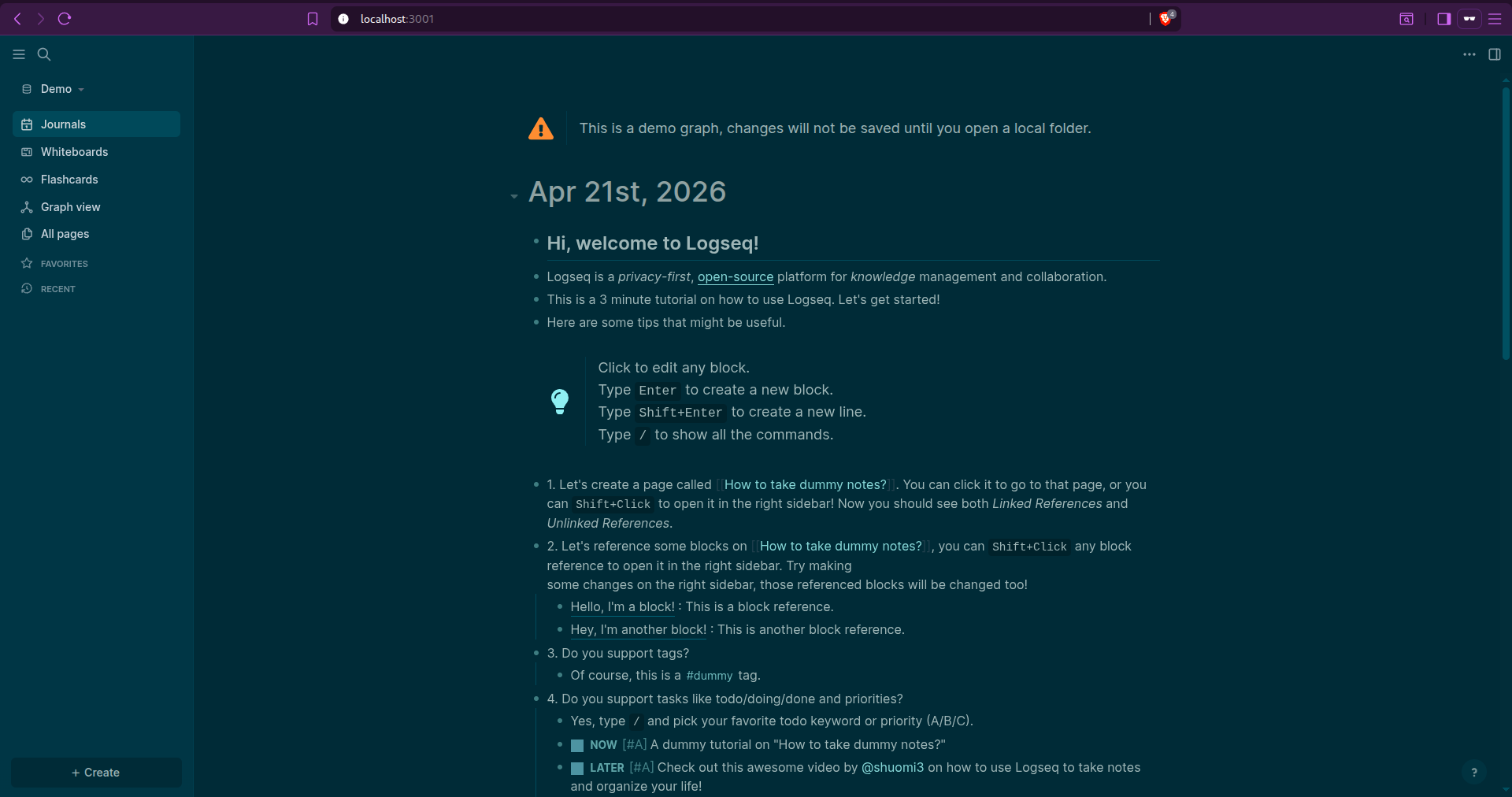
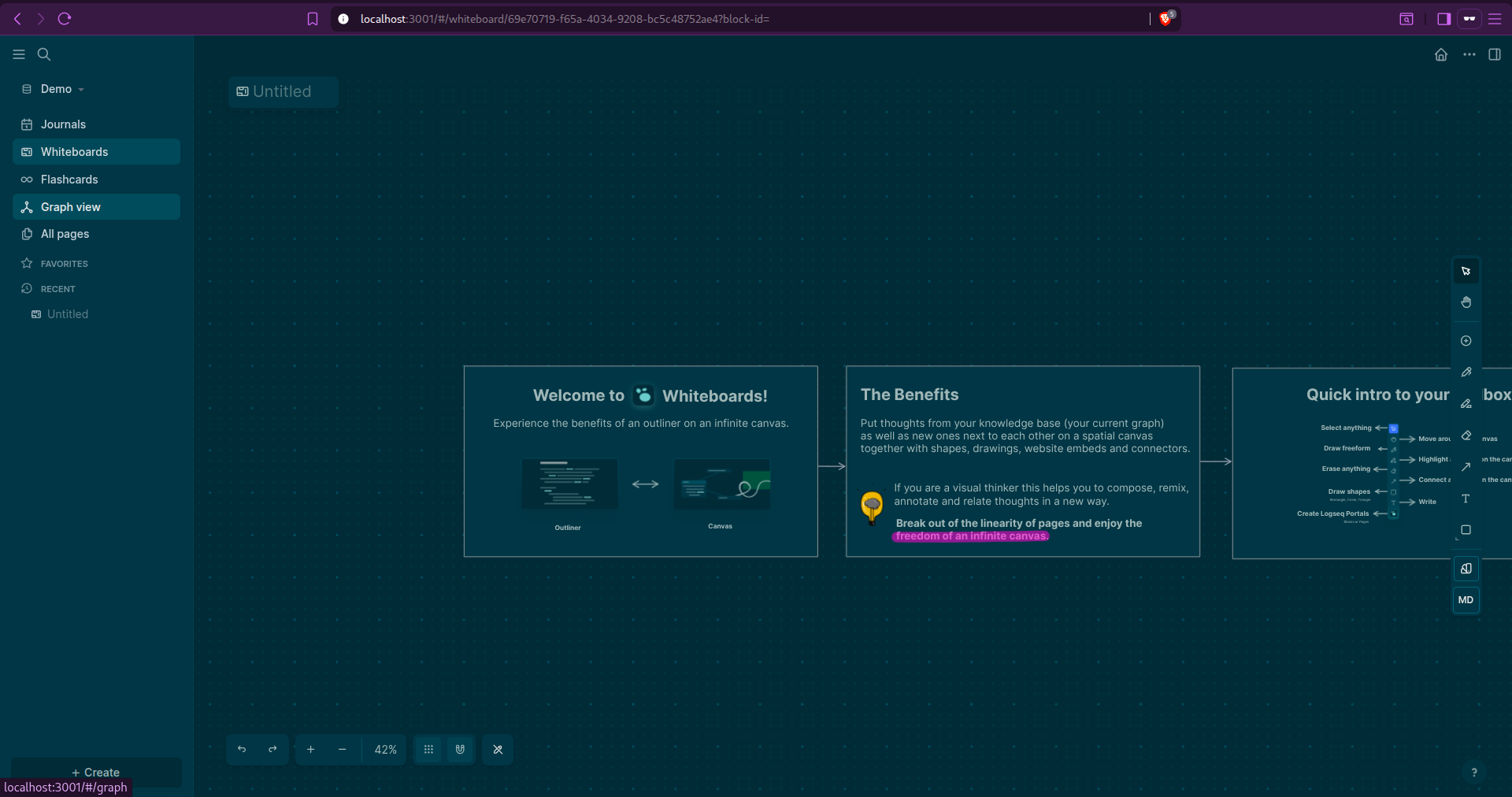
Whiteboard and flashcards are one of the promising features from Logseq.
- Outliner-first, every line is a block, referenceable from anywhere
- Graph view shows the full web of connections across all notes
- Plain Markdown files on disk, maximum AI compatibility
- Journals (daily note) workflow built in for capturing
- Learning curve, the outliner paradigm feels different from traditional note apps
- No official self-hosted sync server, relies on third-party Logseq Sync
- Not a team/collaborative tool, fundamentally personal and local-first
- No managed hosting option for teams
Verdict: The best choice for people who think in connections rather than linear documents. If you've ever wanted to see how all your research relates to itself, the graph view will immediately make sense. Pair it with Ollama and the Smart Search plugin for local AI querying.
AppFlowy - Best Open-Source Notion Alternative with Growing AI Features
AppFlowy is an open-source, local-first Notion replacement built in Flutter, with a modular architecture designed from the ground up for customization and self-hosting. Its AI integration is under active development, with integrations for local models (Ollama) and cloud providers being added in 2024-2025.
Who it's best for: Teams and individuals who want a Notion-like interface (documents, databases, kanban boards, calendars) with full local ownership and the ability to deploy their own sync server and are willing to accept that AI features are still maturing.
Quick Setup:
# clone repo
git clone https://github.com/AppFlowy-IO/AppFlowy-Cloud.git
cd AppFLowy-Cloud

# copy .env file
cp deploy.env .env

# change ports
NGINX_PORT=80
NGINX_TLS_PORT=443

docker compose up -d

docker compose ps
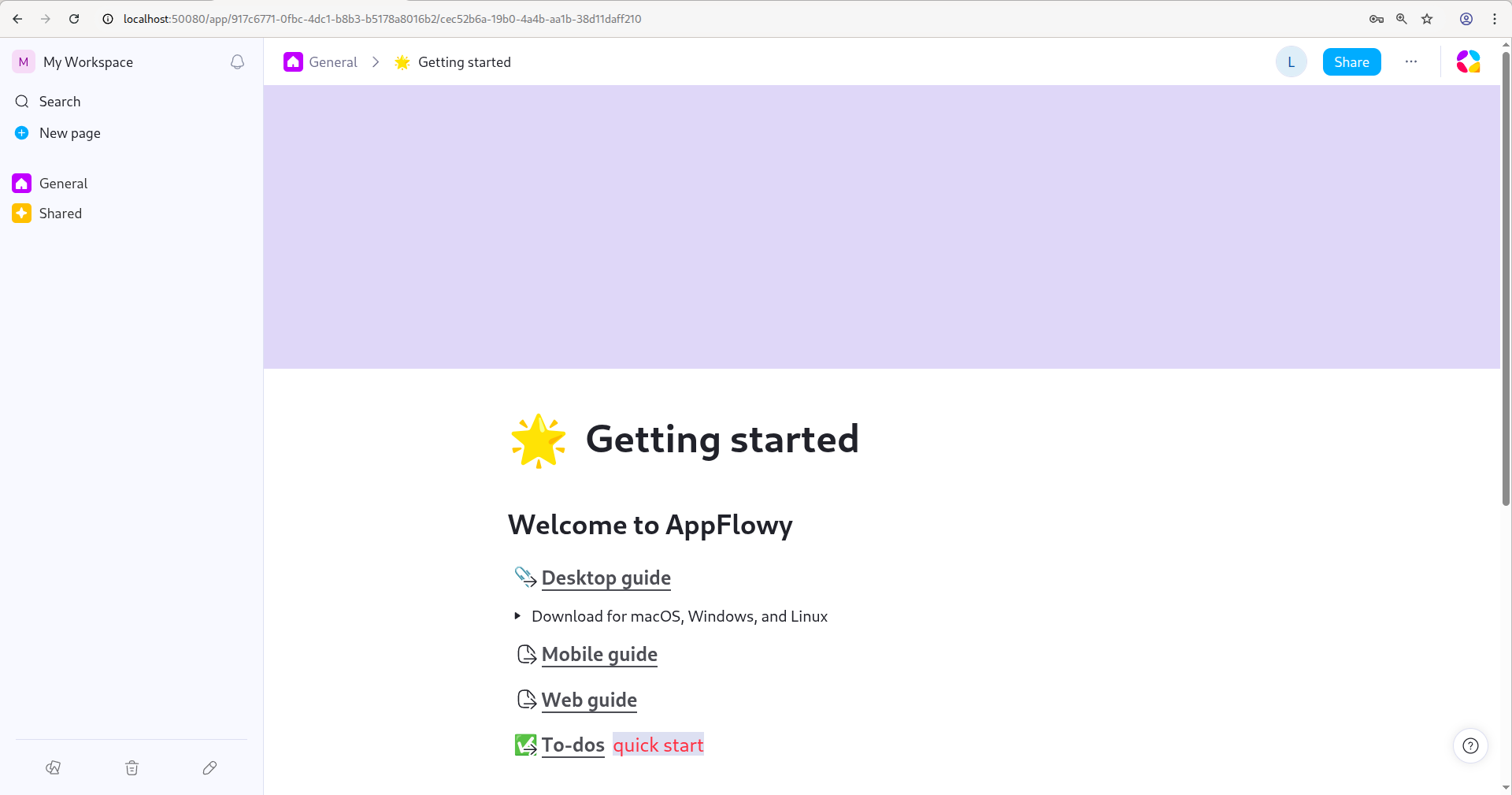
After the setup, if there is an error of a port already in use, try changing the ports and running the application again.
- Built for local-first ownership, your data stays on your machine
- Free managed cloud tier available (AppFlowy Cloud)
- Multi-view databases (grid, board, calendar, gallery) in the same document
- Open-source (AGPL) with active development
- Growing AI integrations - Ollama, OpenAI, Claude support added
- Cross-platform: Linux, macOS, Windows, iOS, Android
- AI features are still maturing, functionality lags behind Notion AI
- Fewer third-party integrations than Notion
- Self-hosted sync server setup is non-trivial (Docker Compose with multiple services)
- Export formats are limited compared to other tools on this list- Performance on very large documents can still be rough
Verdict: The most Notion-like experience in the open-source world, with local-first data ownership. The AI integrations are genuinely there, just earlier-stage. If you want to own your Notion replacement and watch it grow, AppFlowy is the right bet.
Trilium Notes - Best Self-Hosted Tool for Deep Hierarchical Personal Knowledge
Trilium Notes is a hierarchical personal knowledge base with an unusual superpower: scripted automation via built-in JavaScript note scripts. Notes can contain runnable JS that queries and manipulates other notes, making it a programmable knowledge system, not just a static wiki.
Who it's best for: Power users and developers who want maximum flexibility in how their knowledge is organized and automated, including those who want to build custom AI integrations directly into their notes via JavaScript.
Quick Setup:
services:
  trilium:
    image: zadam/trilium:latest
    container_name: trilium-notes
    restart: unless-stopped
    ports:
      - "50081:8080" # Mapping to an alternative port to avoid conflicts with other apps
    volumes:
      - trilium_data:/home/node/trilium-data
    environment:
      - TRILIUM_PORT=8080

volumes:
  trilium_data:
After the setup the Trilium will be running on localhost:50081
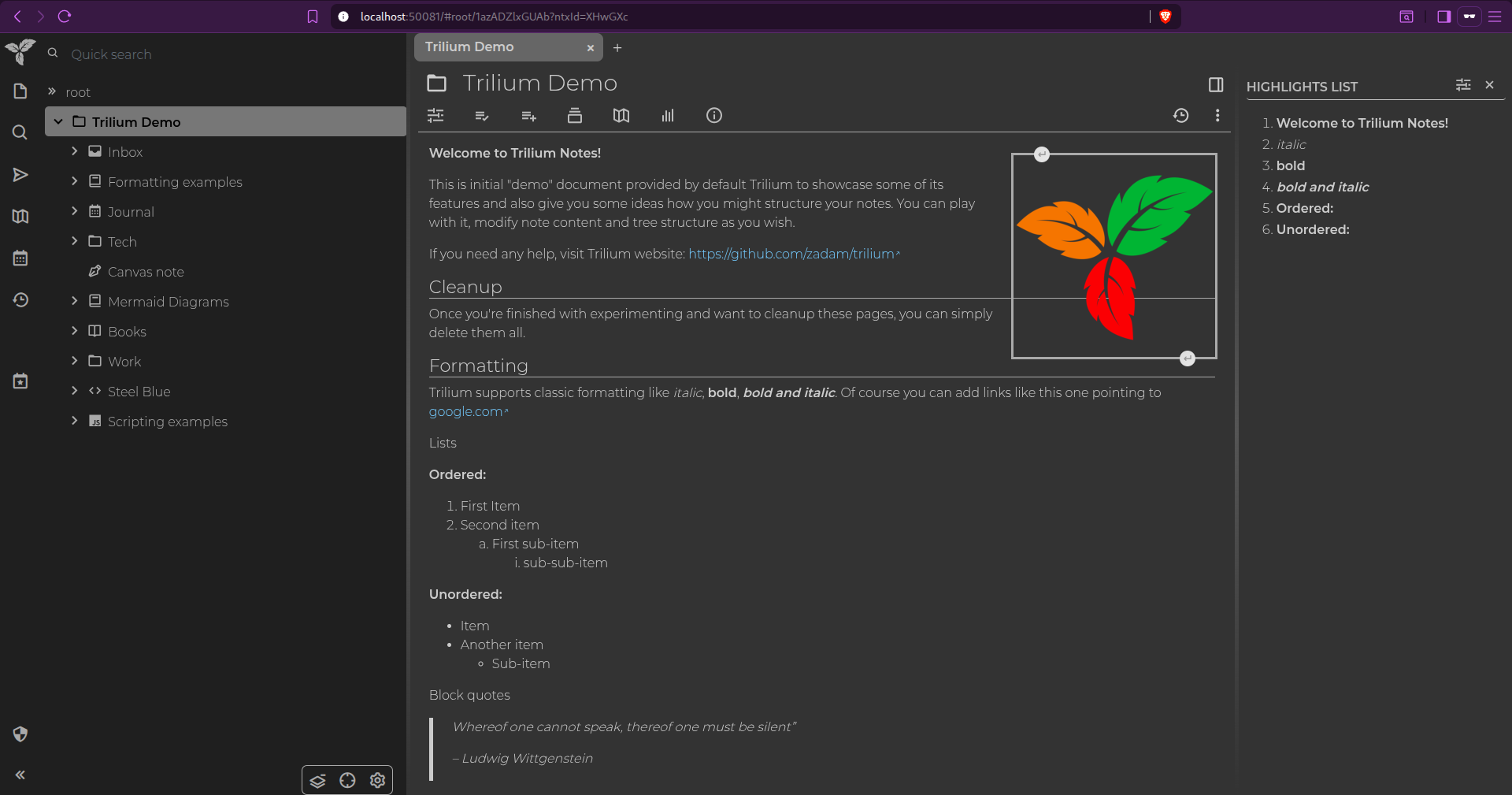
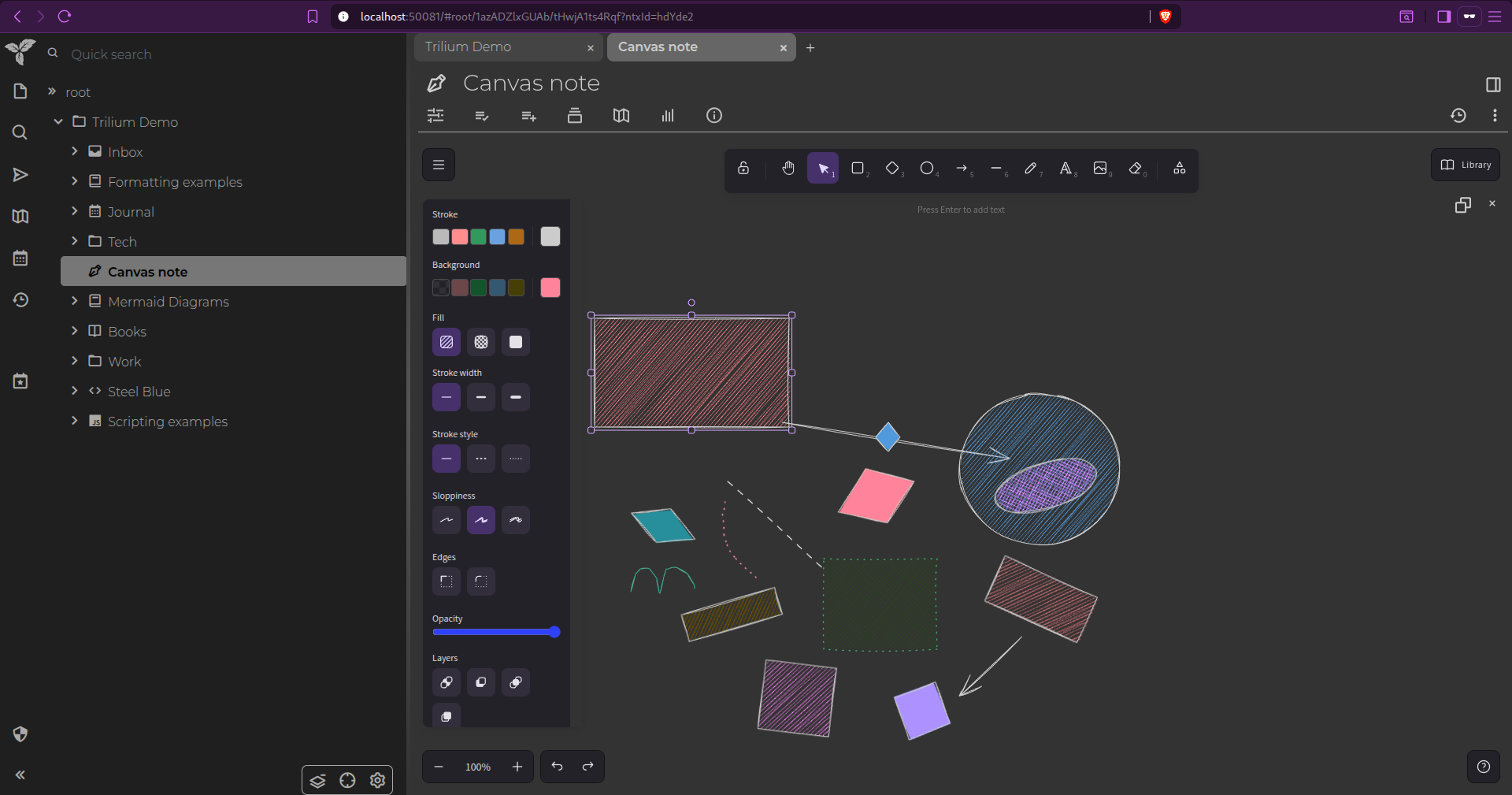
It has a hierarchical structure of notes and also has the feature of canvas notes where you can add shapes, arrows and colors to your notes.
- JavaScript scripting inside notes, programmable knowledge base
- REST API (ETAPI) for external integrations, including AI tools
- Hierarchical tree organization can go extremely deep without losing structure
- Relation maps for visual linking
- Self-hosted sync server between desktop clients- Extensive attribute system for metadata
- No managed cloud hosting, fully self-hosted only
- Trilium Notes (zadam) was archived in 2024, community fork TriliumNext is the active maintained version (use
TriliumNext/Notes on GitHub)- UI looks dated compared to AFFiNE or Outline
- Not built for teams, fundamentally single-user
Verdict: The most programmable personal knowledge base on the list. If you've ever wanted your notes to run code and call an AI API on their own, Trilium (via TriliumNext) is the only tool on this list that does that natively.
Anytype - Best Local-First Knowledge Base with Offline-First Architecture
Anytype is a privacy-focused, object-based personal knowledge tool built on a peer-to-peer protocol (Any-Sync). Everything is stored locally first and synced peer-to-peer; there's no central server that holds your data. Even when using Anytype's network for sync, data is end-to-end encrypted before leaving your device.
Who it's best for: Privacy-focused individuals who want a Notion-like structured knowledge system with the strongest possible data sovereignty guarantees and are comfortable with a younger, still-maturing product.
Quick Setup:
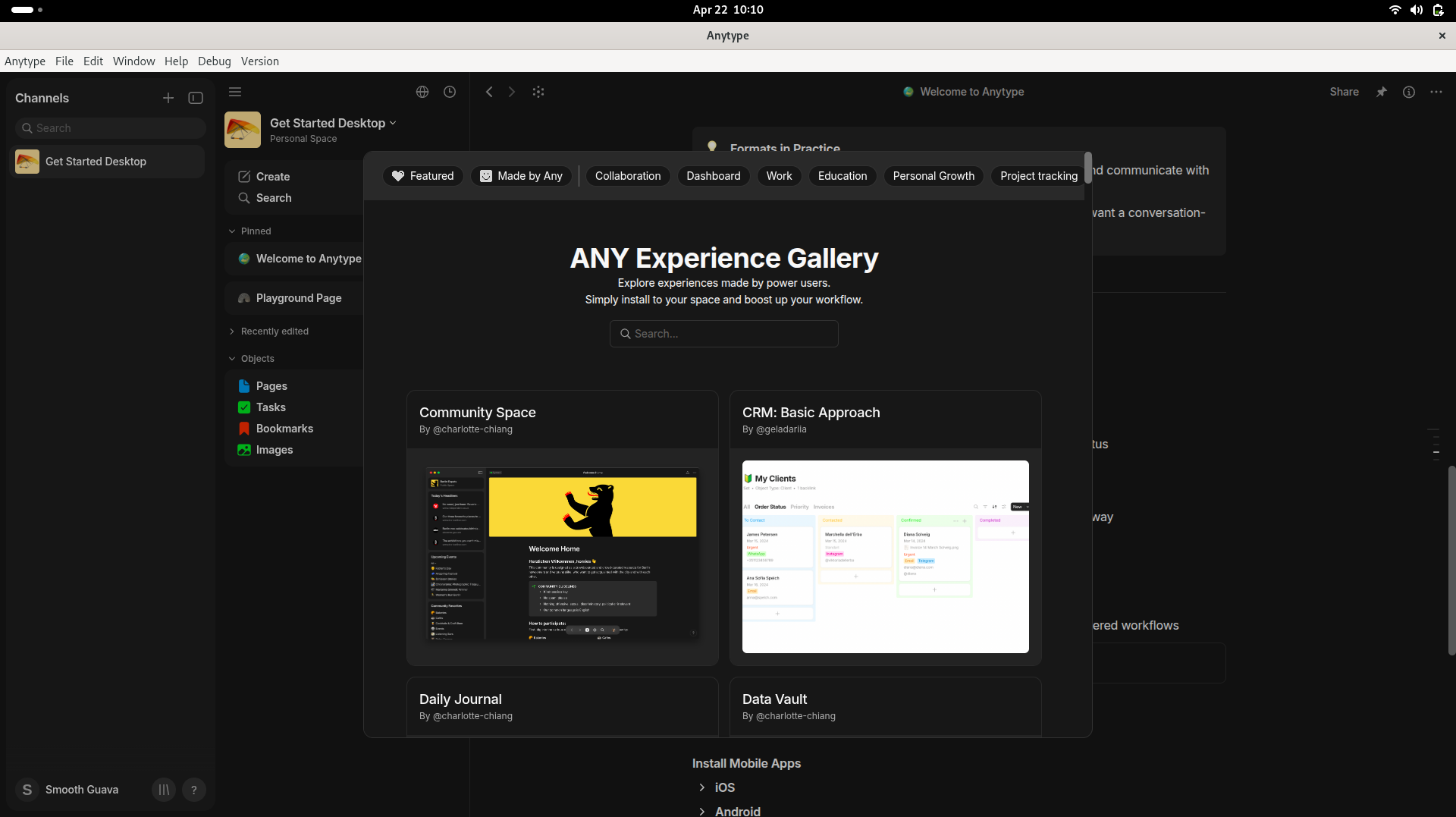
Unlike the other projects this one needs you to download the Desktop app through their website: https://anytype.io/
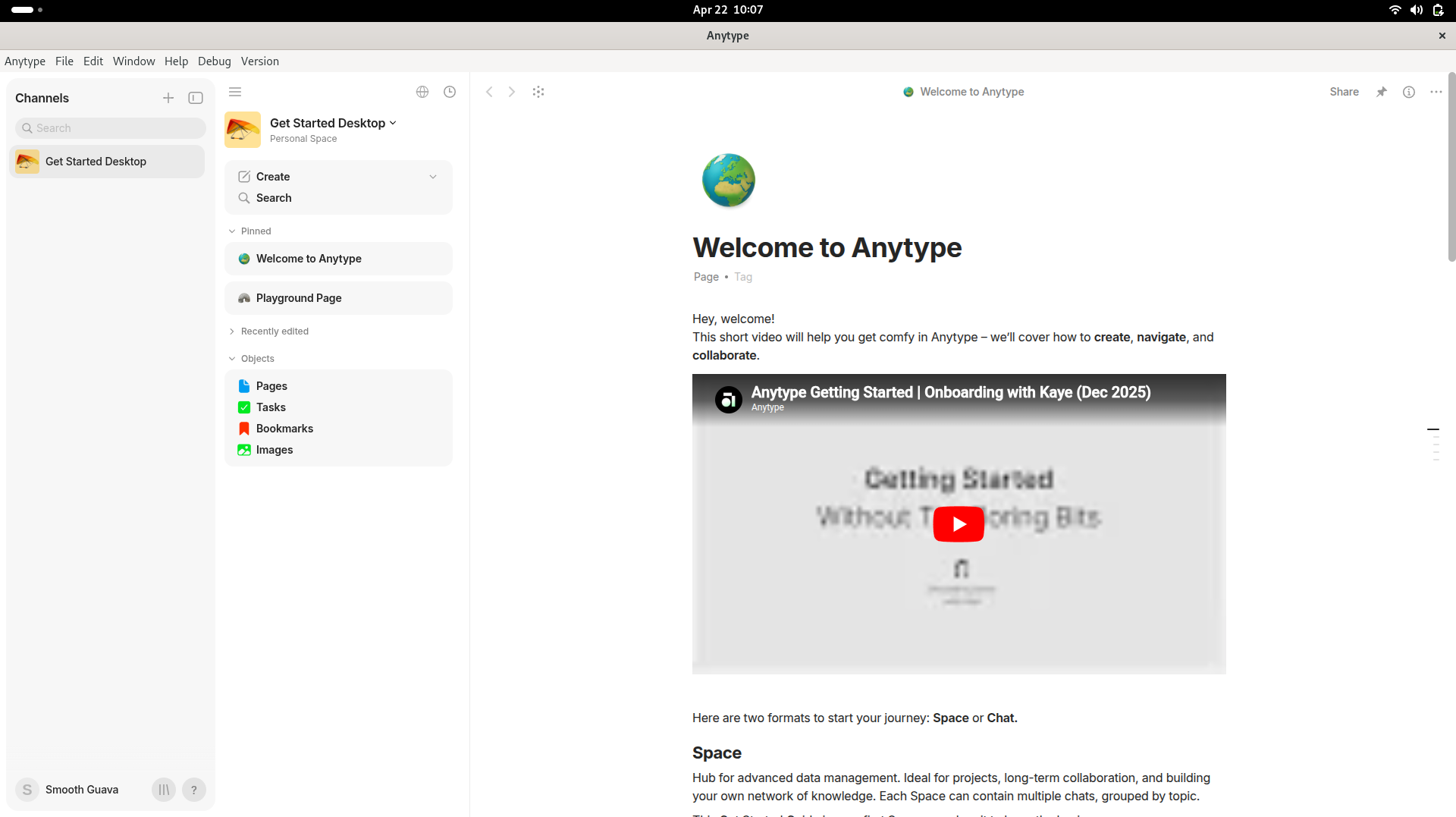
Any experience gallery is one of the features they provide to experience different configurations created by some users for easy workflow management.
- End-to-end encrypted by default, data encrypted before leaving your device
- Self-hostable sync infrastructure (MongoDB + Redis + S3 stack)
- Free tier on Anytype's sync network with E2EE
- Object graph model, more flexible than flat notes or rigid hierarchy
- Import from Notion, Markdown, CSV
- AI integration is planned but not yet available
- Self-hosting the Any-Sync infrastructure is complex (MongoDB + Redis + S3)
- Custom Any-Block format limits direct AI tool compatibility (use Markdown export)
- Product is still maturing, some features feel unfinished
Verdict: The strongest privacy guarantee of any tool on this list, peer-to-peer, E2EE, and self-hostable right down to the sync layer. For users who treat data sovereignty as a non-negotiable, Anytype is the pick, even if it means waiting for AI features to land.
Joplin - Best Open-Source Notes App with Portable Encryption and Sync
Joplin is a mature, battle-tested open-source note-taking app that strikes the best balance between data portability, privacy, and accessibility across platforms. It syncs to virtually anything: Nextcloud, WebDAV, Dropbox, OneDrive, S3 and has Joplin AI and AI plugin support for LLM integration.
Who it's best for: Users switching from Evernote or OneNote who want an open-source, self-hostable replacement with broad platform support, end-to-end encryption, and enough extensibility to add AI features via the plugin system.
Quick Setup:
services:
  postgres:
    image: postgres:16
    volumes:
      - ./data/postgres:/var/lib/postgresql/data
    restart: unless-stopped
    environment:
      - POSTGRES_PASSWORD=${POSTGRES_PASSWORD}
      - POSTGRES_USER=${POSTGRES_USER}
      - POSTGRES_DB=${POSTGRES_DATABASE}
    networks:
      - joplin_network

  joplinsync:
    image: joplin/server:latest
    depends_on:
      - postgres
    ports:
      - "22300:22300"
    restart: unless-stopped
    environment:
      - APP_PORT=22300
      - APP_BASE_URL=${APP_BASE_URL}
      - DB_CLIENT=pg
      - POSTGRES_PASSWORD=${POSTGRES_PASSWORD}
      - POSTGRES_DATABASE=${POSTGRES_DATABASE}
      - POSTGRES_USER=${POSTGRES_USER}
      - POSTGRES_PORT=5432
      - POSTGRES_HOST=postgres
    networks:
      - joplin_network

networks:
  joplin_network:
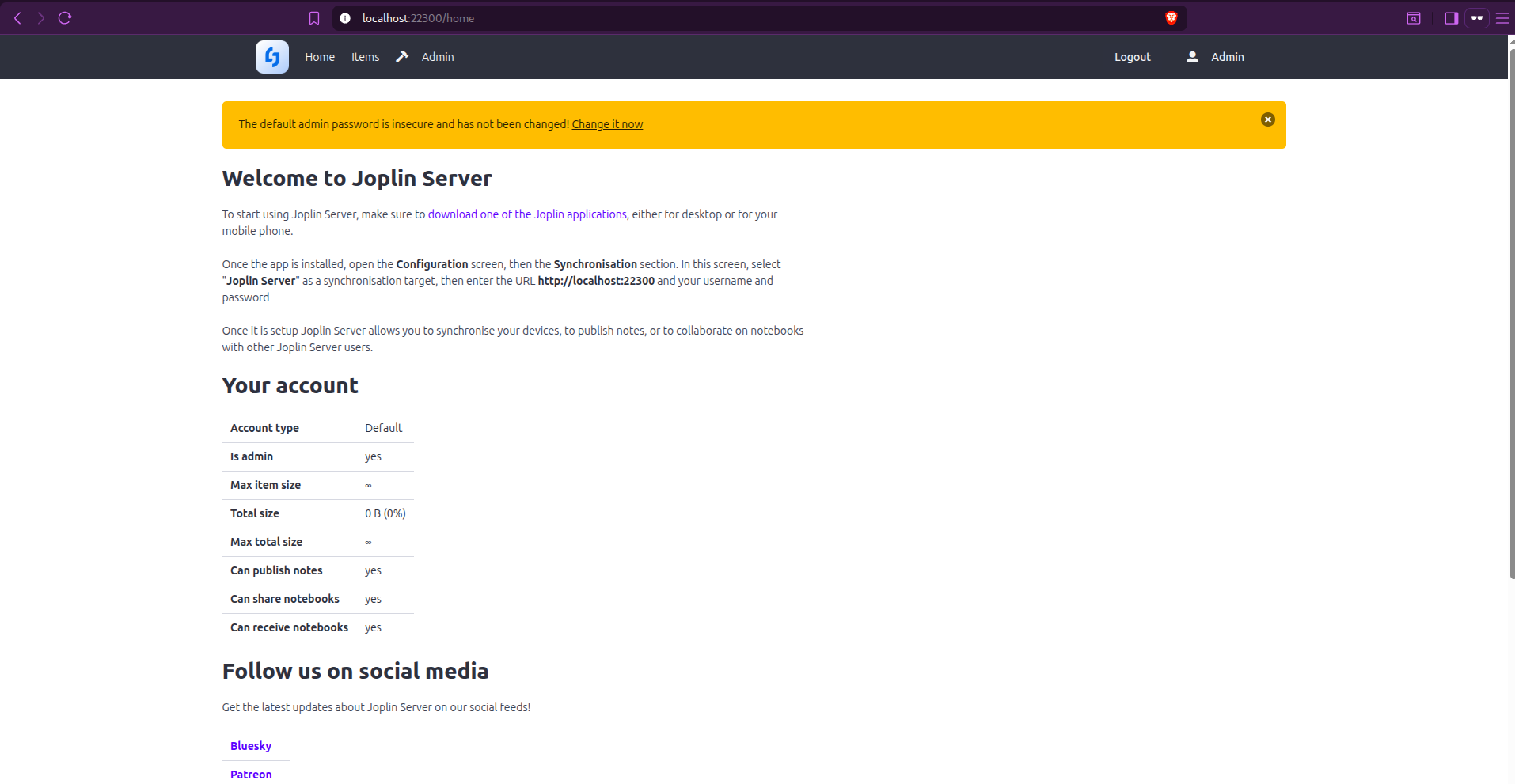
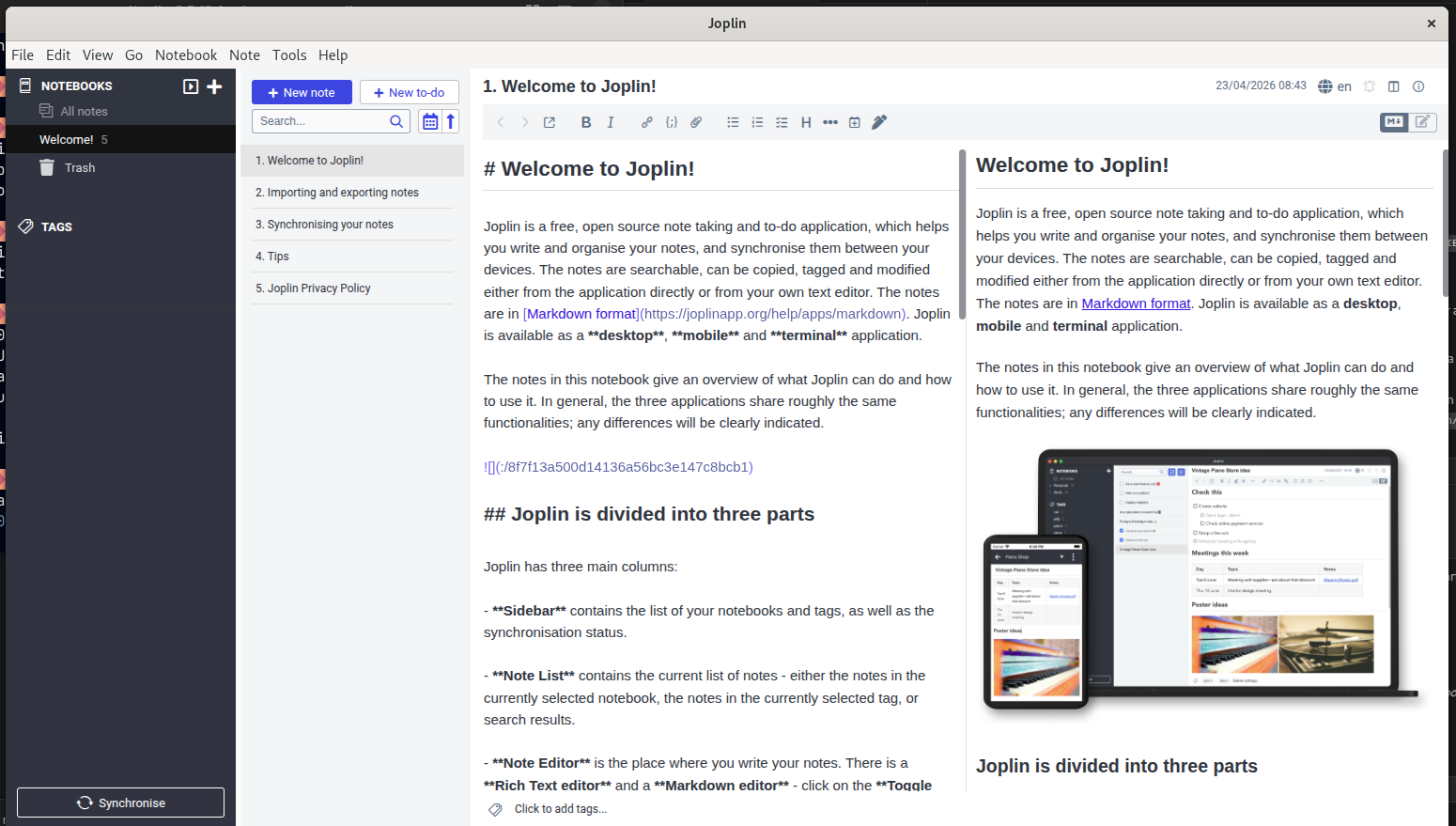
After giving the necessary parameters in your .env or values in specific parameters, the Joplin server will run at localhost:22300.
It has a plugin named Jarvis (Joplin Assistant Running a Very Intelligent System), which is an AI note-taking assistant for Joplin, powered by online and offline LLMs (such as OpenAI's ChatGPT or GPT-4, Hugging Face, Gemini, Universal Sentence Encoder). For the Desktop application, you can download it from the official link.
- The most sync-target flexibility of any tool on the list (Nextcloud, S3, etc.)
- End-to-end encryption option for all synced notes
- Joplin AI plugin adds Claude/OpenAI/Ollama AI directly in the editor
- Battle-tested and mature, not a new or experimental product
- Joplin Cloud (paid) for zero-hassle managed sync
- JEX native backup format is tar-based, not human-readable without Joplin
- Web Clipper exists but is less polished than Evernote's
- No graph view or bidirectional links, flat notebook hierarchy only
- Editor UX is functional but lacks the polish of AFFiNE or Outline
Verdict: The safest choice for Evernote/OneNote migrants who value data portability above all else. The plugin ecosystem and AI integration make it more capable than it looks, and the sync flexibility means it fits into virtually any existing self-hosted stack.
Final Recommendation
If you need a team knowledge base with AI today, use Outline. Its MCP integration for Claude is production-ready, its Markdown export keeps you unlockedin, and the managed cloud tier means you can start without infrastructure. After that, pick based on your primary use case:
- Team documentation: Outline (AI-first, MCP/Claude) or BookStack (simple, structured)
- Developer teams wanting Git-backed docs → Wiki.js (Markdown in Git, then any AI agent can query it)
- Personal knowledge + AI plugins: Obsidian (plain files + Ollama/Claude MCP) or Logseq (graph-first with local AI)
- Notion replacement with built-in AI Copilot: AFFiNE (Claude/OpenAI/Gemini configured in admin)
- Privacy-first with maximum data sovereignty: SiYuan (local-first, SQL-queryable) or Anytype (E2EE P2P sync)
- Programmable personal knowledge base: TriliumNext (JavaScript scripting in notes, call AI APIs directly)
- Evernote migrators: Joplin (ENEX import, E2EE sync, AI plugin available)
If you have any of the self-hosted knowledge base tools not listed here, feel free to drop them in the comments!