Watching DevOps tutorials is easy. Actually knowing what to do when a server is broken at in production is not.
The gap between the two is hands-on practice and if you have been searching for structured, interactive DevOps labs, you have probably run into the same problem: most good platforms cost money, and the free ones are scattered across a dozen different sites with no clear path connecting them.
I went through the platforms the DevOps community actually recommends on Reddit, in Discord servers, in job prep threads and pulled together the 12 best ones where you can practice for free. These are not passive reading resources. Every platform here puts you in front of a terminal and makes you figure something out.
This list is not for you if you are looking for video courses or reading material that is a different category. This guide is about interactive labs, broken-server challenges, browser-based environments, and hands-on projects where you learn by doing.
Short on time? Jump to the comparison table below, or use the headers to find platforms that match your current skill level.
At a Glance: All 12 Platforms Compared
| Platform | Style | Skill Level | Free? | Best For |
|---|---|---|---|---|
| SadServers | Broken-server CTF | Beginner → Advanced | ✅ Fully | Troubleshooting & debugging |
| OverTheWire (Bandit) | SSH wargame | Beginner → Mid | ✅ Fully | Linux terminal mastery |
| Learn Git Branching | Visual puzzle game | Beginner → Mid | ✅ Fully | Git fundamentals |
| Killercoda | Browser labs | All levels | ✅ Mostly | Daily DevOps practice |
| Play with Docker | Docker playground | Beginner | ✅ Fully | Docker basics |
| Play with Kubernetes | K8s cluster | Beginner → Mid | ✅ Fully | Kubernetes fundamentals |
| pwn.college | Shell challenges | Beginner → Mid | ✅ Fully | Deep Linux internals |
| Grafana Play | Live Grafana instance | All levels | ✅ Fully | Observability practice |
| Linux Upskill Challenge | 20-day course | Beginner | ✅ Fully | Structured Linux sysadmin |
| Kubernetes The Hard Way | Manual K8s bootstrap | Advanced | ✅ Fully | K8s architecture understanding |
| iximiuz Labs | Investigative labs | Mid → Advanced | ✅ Partial | Container & K8s internals |
| Terraform Tutorials | Interactive IaC labs | Beginner → Mid | ✅ Fully | Infrastructure as Code |
SadServers - The LeetCode of DevOps Troubleshooting
SadServers is the closest thing DevOps has to LeetCode. You are given a broken Linux or DevOps environment, a problem statement, and a timer. Your job is to fix it. No hints, no hand-holding, just a terminal and a server that is doing something wrong.
Who it's best for: Anyone who wants to practice the skill that actually matters most in DevOps: diagnosing and fixing production problems under pressure. Especially useful if you are preparing for DevOps interviews, where live troubleshooting scenarios are increasingly common.
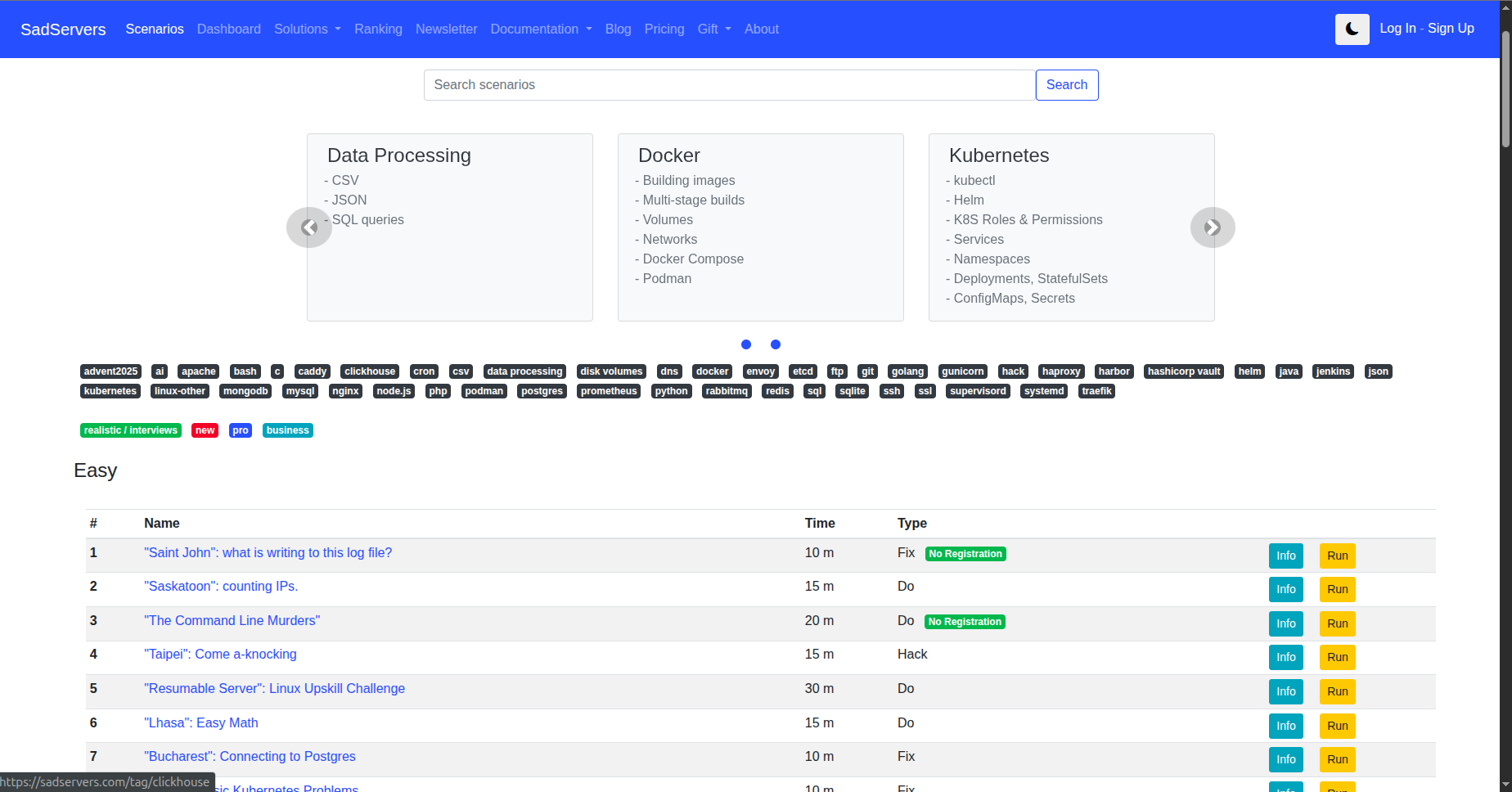
The scenarios cover real DevOps situations: a web server that refuses to start, a disk that is mysteriously full, a process that keeps dying, a misconfigured database. Each one is an actual production-style failure.
- The most realistic DevOps troubleshooting practice available for free
- Browser-based, no local setup, no SSH key management
- Growing library of scenarios across difficulty levels
- Community-submitted problems mean diverse coverage
- No structured learning path, you pick your own scenarios
- Some advanced scenarios assume prior knowledge to even understand the problem
- No built-in explanations after solving, you figure out the "why" yourself
Verdict: The single best platform for practicing the skill that defines a working DevOps engineer, fixing things that are broken. Bookmark this and do one scenario a week.
OverTheWire - Bandit: Learn Linux by Breaking In
OverTheWire Bandit is a wargame where you SSH into a live server and solve challenges to discover the password for the next level. Level 0 to Level 34, each one teaching a specific Linux skill through a concrete puzzle rather than a lecture.
Who it's best for: Complete beginners who need real Linux terminal practice and people who are comfortable with commands but want to understand file permissions, process management, and shell scripting by actually using them under pressure.
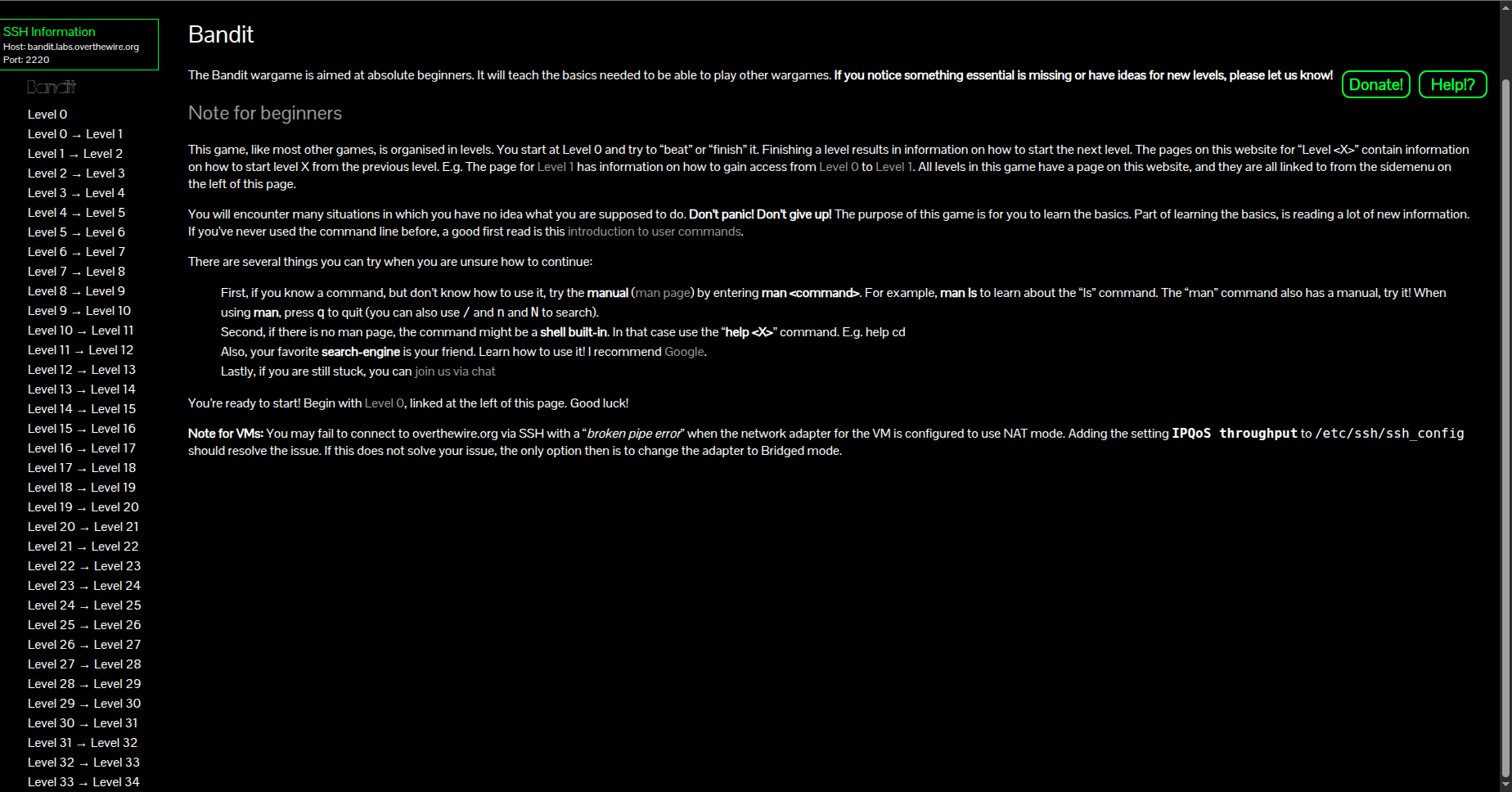
The early levels cover navigation, file reading, and hidden files. By the time you reach the middle levels, you are working with SSH keys, port forwarding, shell scripting, and basic cryptography. Every concept sticks because you needed it to progress.
- Zero setup, just SSH in from any terminal
- Progressive difficulty that builds real skills in sequence
- Community walkthroughs exist for every level if you get stuck
- Completely free, no account required
- Purely Linux/security focused, not a broad DevOps curriculum
- No browser-based terminal (you need an SSH client - WSL, Terminal, or PuTTY)
Verdict: The best free tool to build Linux command-line confidence from scratch. There is a reason DevOps engineers still recommend it to juniors in 2026; it works.
Learn Git Branching - Master Git Visually
Learn Git Branching is a browser-based, interactive Git tutorial that teaches branching, rebasing, merging, and cherry-picking through visual puzzles. You type real Git commands and watch the commit graph update in real time.
Who it's best for: Anyone who uses Git daily but secretly does not understand what rebase, cherry-pick, or HEAD~2 actually does, which is most engineers at some point.
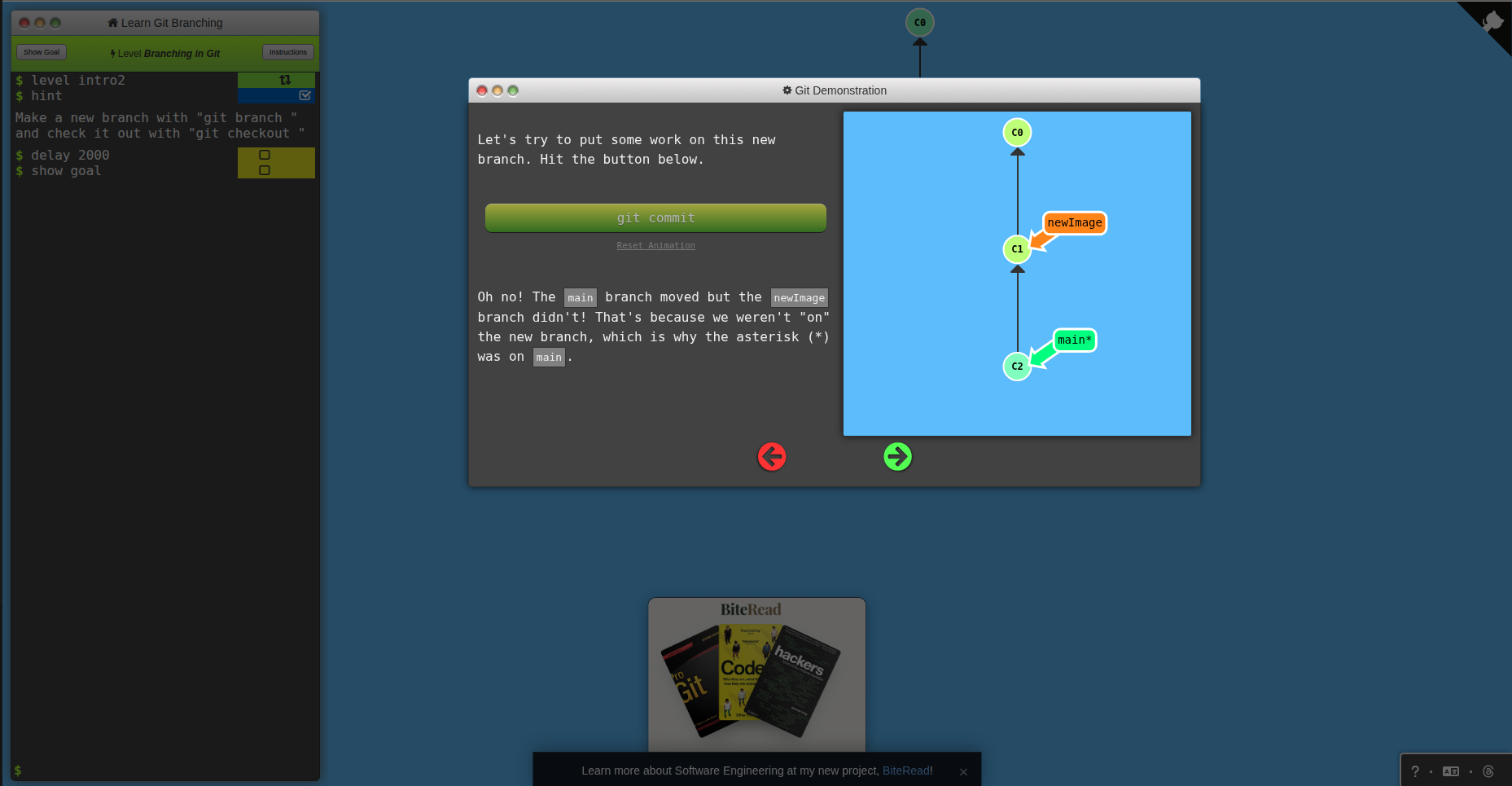
The platform covers two tracks: Main (local Git operations) and Remote (push, pull, fetch, tracking branches). Each level sets a goal state for the commit graph and you have to figure out which commands produce it.
- Instant visual feedback makes abstract Git concepts concrete
- Covers advanced operations most tutorials skip (rebase -i, cherry-pick, reflog)
- Completely free, no account needed, works in any browser
- One of the most linked Git resources in the entire developer community
- Only covers Git, nothing else in the DevOps toolchain
- The visual metaphor breaks down slightly for very complex rebases
- No real repository, the environment is simulated
Verdict: The fastest way to actually understand what your Git commands are doing. Run through both tracks once and Git will never feel mysterious again.
Killercoda - The DevOps Lab That Is Always Open
Killercoda gives you a real Linux environment in your browser, no install, no account required for the free tier. Choose a scenario, and within seconds, you have a terminal connected to a real server. The scenario library covers Linux, Docker, Kubernetes, Ansible, ArgoCD, Terraform, and more.
Who it's best for: Anyone who wants a quick, no-friction DevOps practice, especially useful for learning a new tool without setting up a local environment first, or for keeping skills sharp between projects.
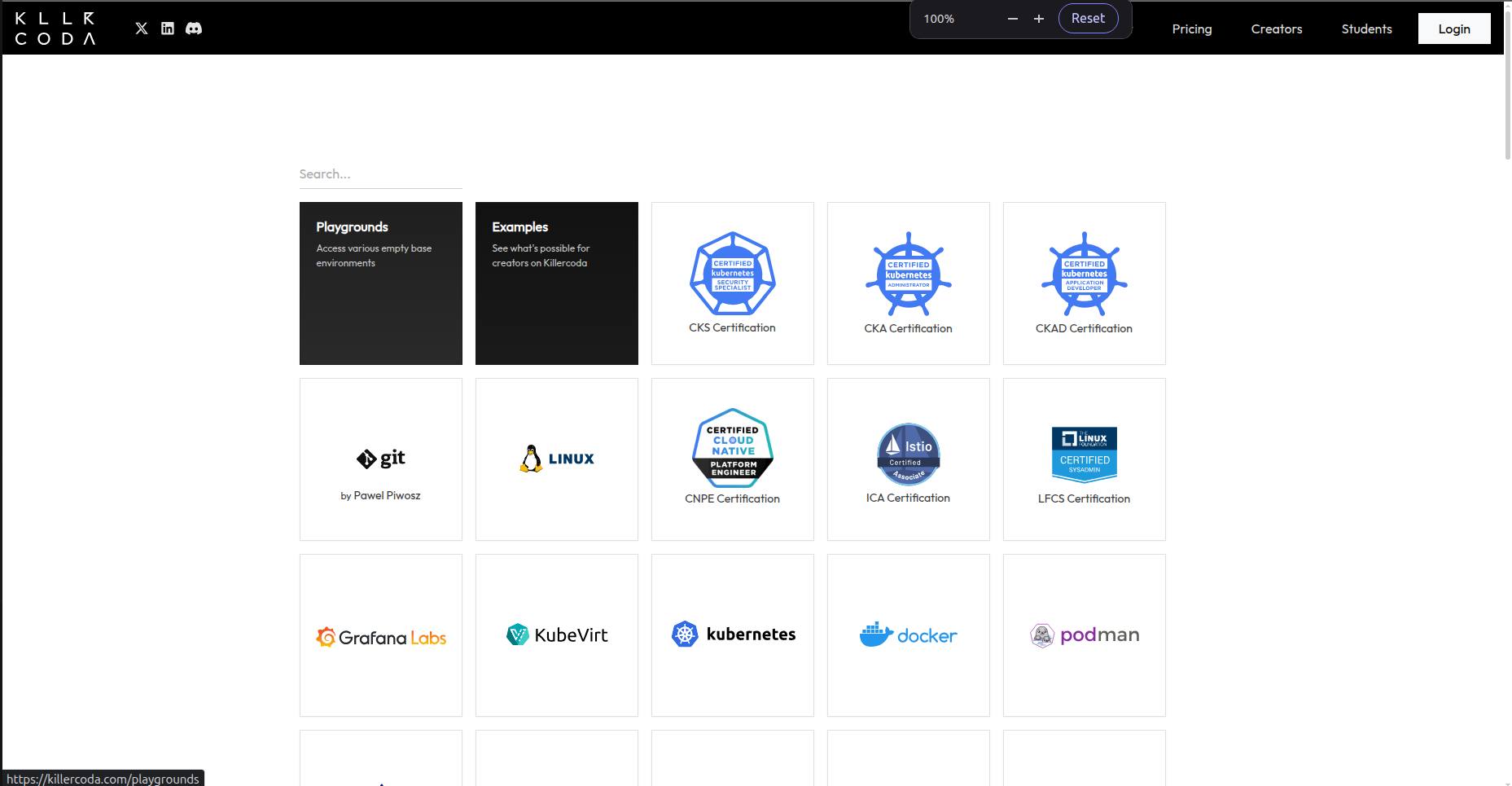
The free library includes hundreds of official and community-created scenarios. Many are contributed by tool vendors themselves, Grafana, Cilium and others publish their official getting-started tutorials directly on Killercoda.
- Real terminals in a real Linux environment, not a simulation
- Hundreds of free scenarios across the full DevOps toolchain
- No install, no local setup, works from any browser
- New scenarios added regularly by community and vendors
- Free tier sessions time out, you cannot leave and come back to a running environment
- Some advanced scenarios are PLUS-only (paid)
- No structured learning path, you curate your own sequence
Verdict: The best free option for hands-on practice with any specific DevOps tool right now. Anytime you encounter something new, ArgoCD, Cilium, Flux, check if there is a Killercoda scenario before setting up a local environment.
Play with Docker - A Real Docker Daemon in Your Browser
Play with Docker gives you a free, 4-hour Linux instance with a real Docker daemon running, directly in your browser. Run containers, build images, write Compose files, and experiment with Docker networking without touching your local machine.
Who it's best for: Beginners who want to learn Docker without installing it locally, and people who need a quick sandbox to test a Docker command or Compose configuration without affecting their machine.
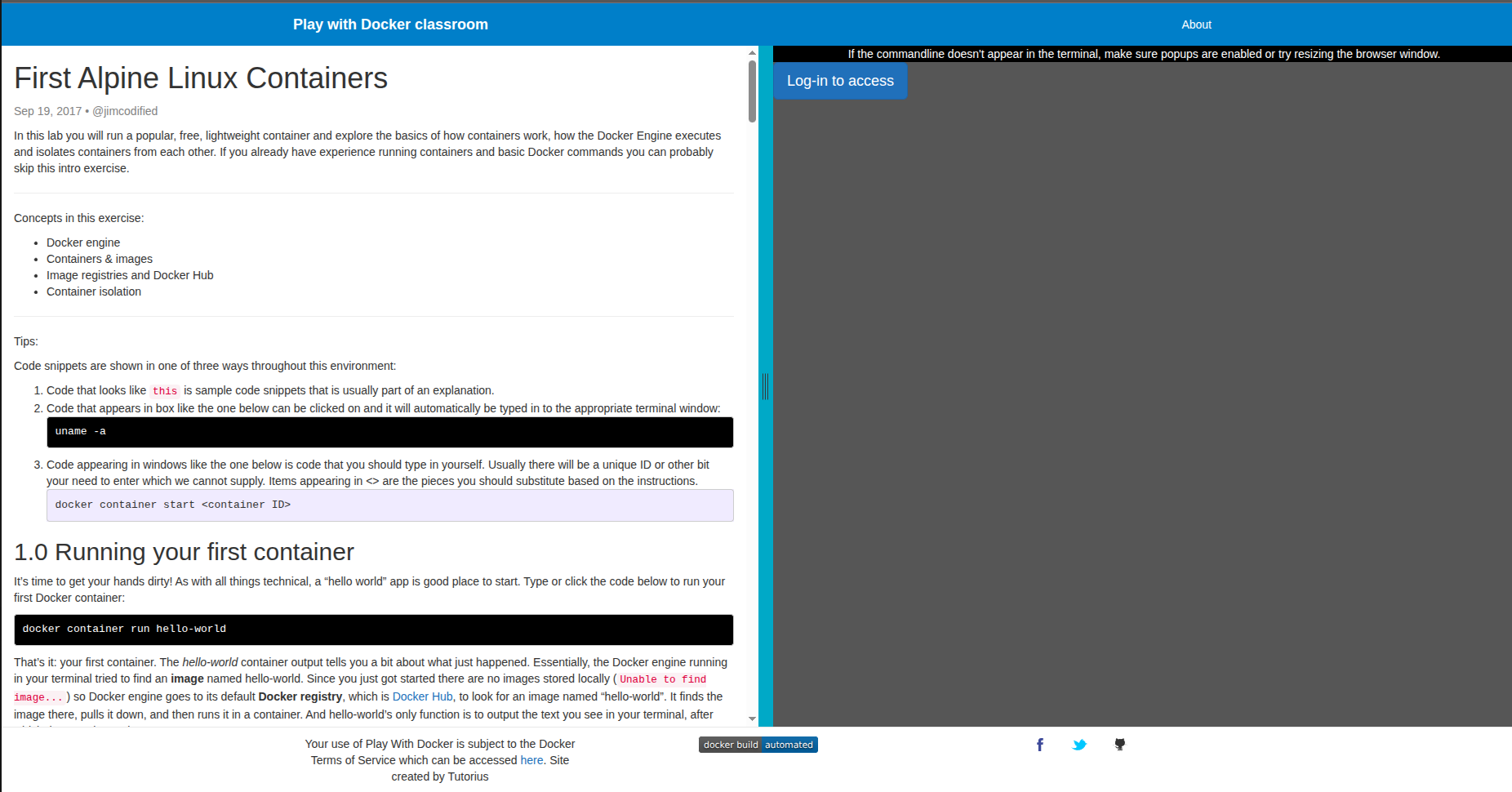
You can create multiple instances and connect them, useful for practicing Docker Swarm or multi-container networking scenarios. The official Docker documentation uses Play with Docker for many of its interactive examples.
- Officially maintained by Docker, Inc. always up to date
- Real Docker environment, not an emulator- Multiple instances for networking and Swarm practice
- No credit card, no account needed for basic use
- 4-hour session limit work gets lost when sessions expire
- Can be slow during peak hours
Verdict: The zero-friction way to start with Docker. No installation, no configuration, just a terminal and a Docker daemon. Use this before committing to a local Docker Desktop setup.
Play with Kubernetes - A Multi-Node Cluster in Minutes
Play with Kubernetes provides a free, browser-based Kubernetes playground where you can bootstrap a real multi-node cluster and run workloads, without any local Kubernetes installation or cloud account.
Who it's best for: People learning Kubernetes fundamentals who want to practice kubectlcommands, deploy real workloads, and understand cluster architecture without the complexity of setting up minikube or a cloud cluster.
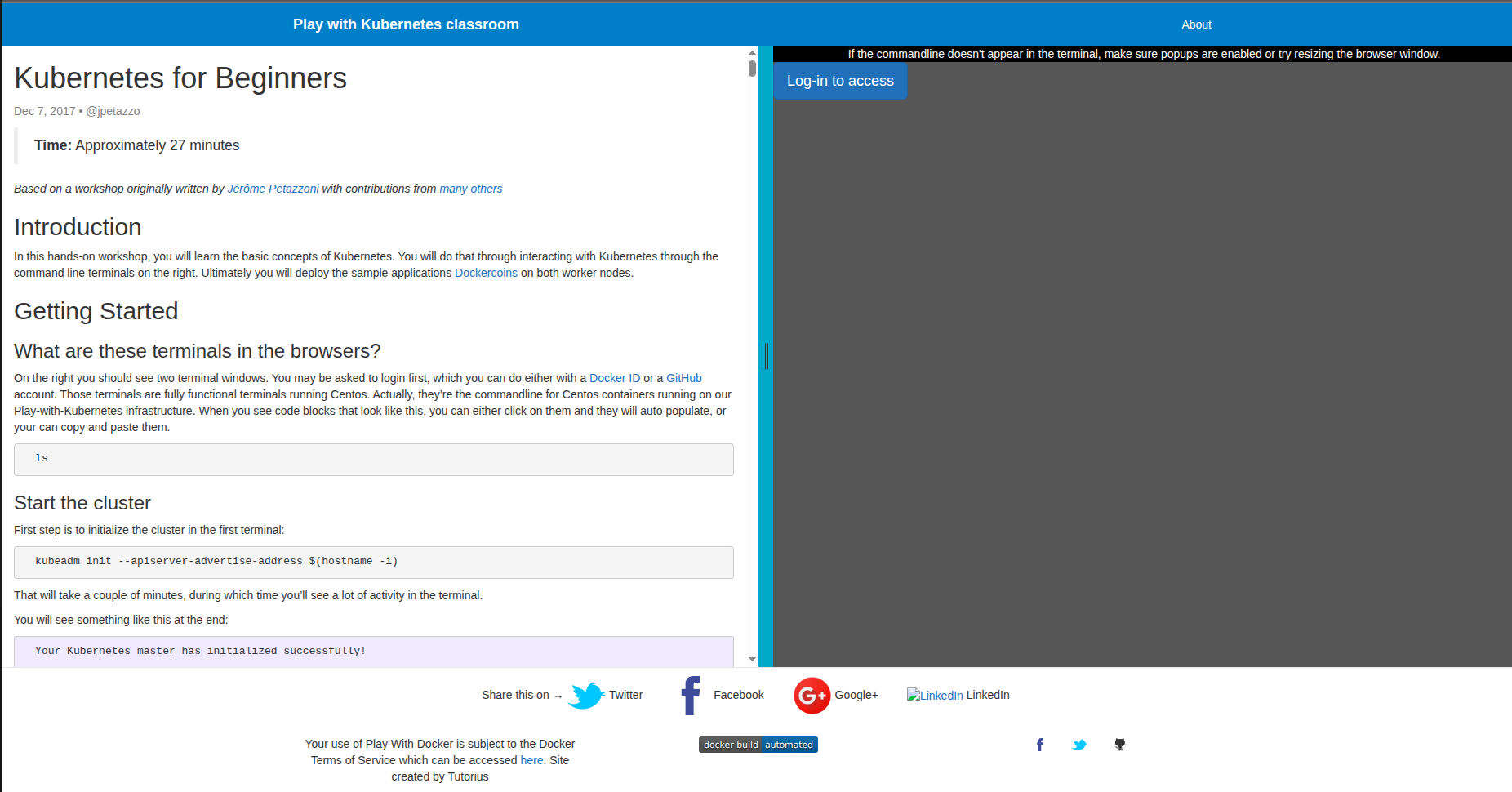
Sessions give you a 4-hour window with enough compute to bootstrap a control plane and add worker nodes. Every standard kubectl operation works: deployments, services, configmaps, namespaces and RBAC.
- Real multi-node cluster, not a single-node simulation
- Bootstrapping the cluster yourself teaches how it actually works
- Free with a Docker Hub account
- Ideal for CKA/CKAD exam concept practice
- 4-hour session limit, not suitable for long-running experiments
- Bootstrapping the cluster from scratch every session takes 5-10 minutes
- No persistent volumes that survive session restarts
Verdict: The most accessible way to get a real Kubernetes cluster for practice without a cloud bill. Pair it with Kubernetes The Hard Way for a deeper understanding of what that bootstrap process is actually doing.
pwn.college - Deep Linux Internals Through Structured Challenges
pwn.college is a university-backed (Arizona State University) platform that teaches Linux internals through a structured series of challenges. Unlike typical beginner Linux tutorials, it covers how the shell works, process interactions, file descriptors, environment variables, and privilege escalation, concepts that are foundational to DevOps but rarely taught explicitly.
Who it's best for: Engineers who use Linux daily but want to deeply understand what is actually happening beneath the commands, process spawning, shell internals and permissions at the kernel level. Especially valuable if you work with Docker, because containers are Linux primitives underneath.
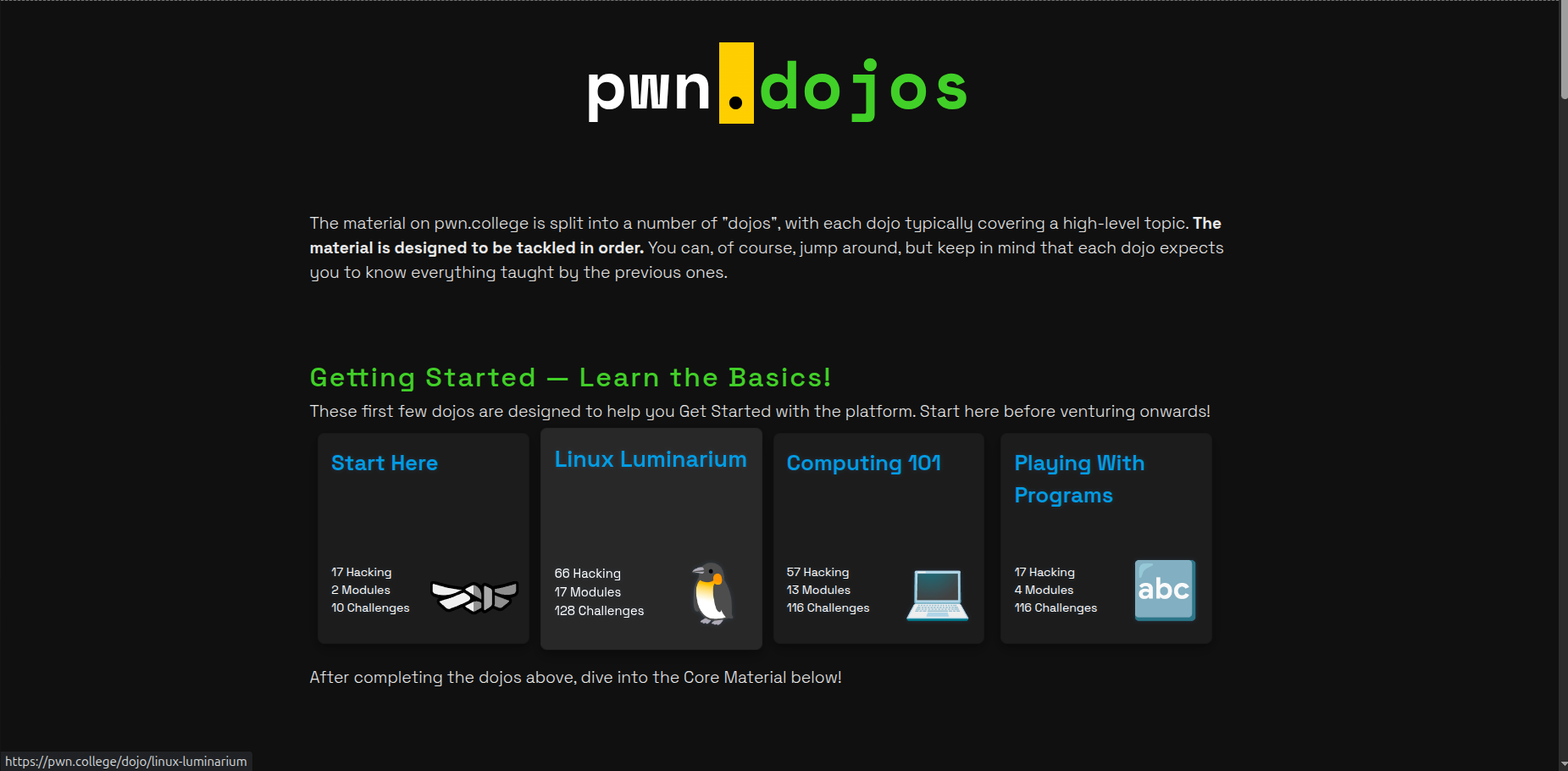
The platform is organized into modules (Linux Luminarium is the entry point for DevOps practitioners) and every challenge is a real binary running on a real Linux system that you interact with directly.
- University-quality curriculum, completely free
- Teaches the Linux concepts that Docker and container knowledge depend on
- Structured modules with clear progression
- Discord community with active support from instructors
- Leans toward security/CTF in its later modules (beyond DevOps needs)
- Browser-based terminal can be slower than a native SSH session
Verdict: The best free resource for understanding why Linux behaves the way it does, not just memorizing commands. If you use containers daily and want to understand what namespaces and cgroups actually are, start here.
Grafana Play - Live Observability Practice With Zero Setup
Grafana Play is a fully functional, live Grafana instance that anyone can open in a browser right now, pre-loaded with dashboards, Loki log data, Prometheus metrics, alerting rules, and Tempo traces. No installation, no Docker Compose stack, no Prometheus setup.
Who it's best for: Engineers who want to get comfortable with Grafana dashboards, PromQL queries, Loki log queries, and alert configuration before setting up a full observability stack locally or in production.
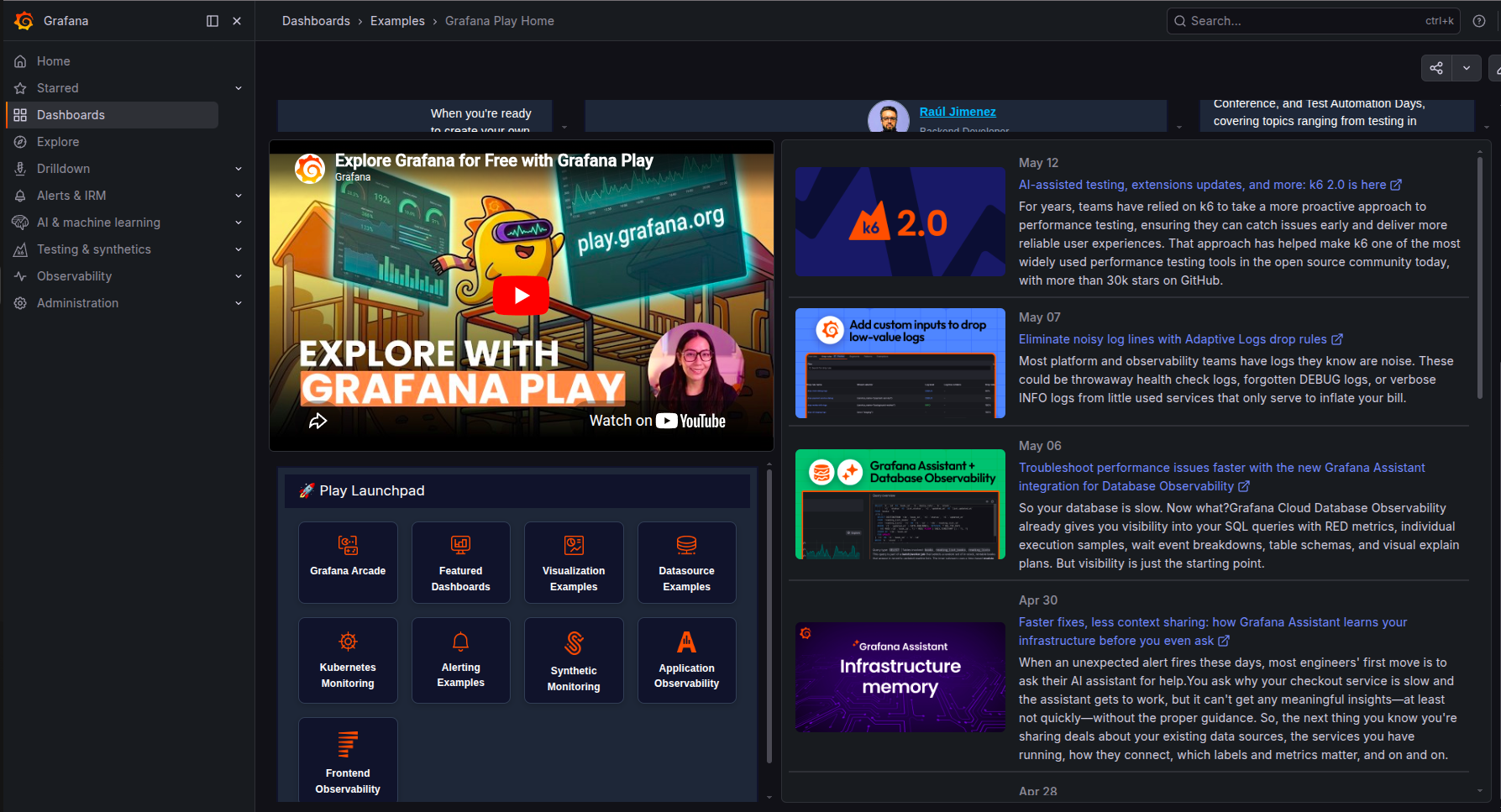
- No setup whatsoever, open a URL, start exploring
- Pre-loaded with real dashboards covering Linux, Kubernetes, and application metrics
- Covers the full Grafana stack: Metrics, Logs (Loki), Traces (Tempo), Alerting
- No local date source testing
- Covers Linux fundamentals, not higher-level DevOps tooling
Verdict: If your Linux skills feel shaky and you want to fix that with a structured, real-world approach, the Linux Upskill Challenge is the most complete free answer. Twenty focused days produce a genuine foundation.
Linux Upskill Challenge - 20 Days to Real Linux Sysadmin Skills
The Linux Upskill Challenge is a free, community-run 20-day course where you rent a cheap VPS (or use a free cloud trial) and learn to manage it as a real system administrator would. Each day introduces new concepts with clear instructions, exercises, and a community forum for questions.
Who it's best for: Beginners who want a structured, day-by-day Linux learning path that produces a real skill foundation, not just knowledge of commands, but actual comfort managing a remote server. The VPS-based approach means everything you do is real.
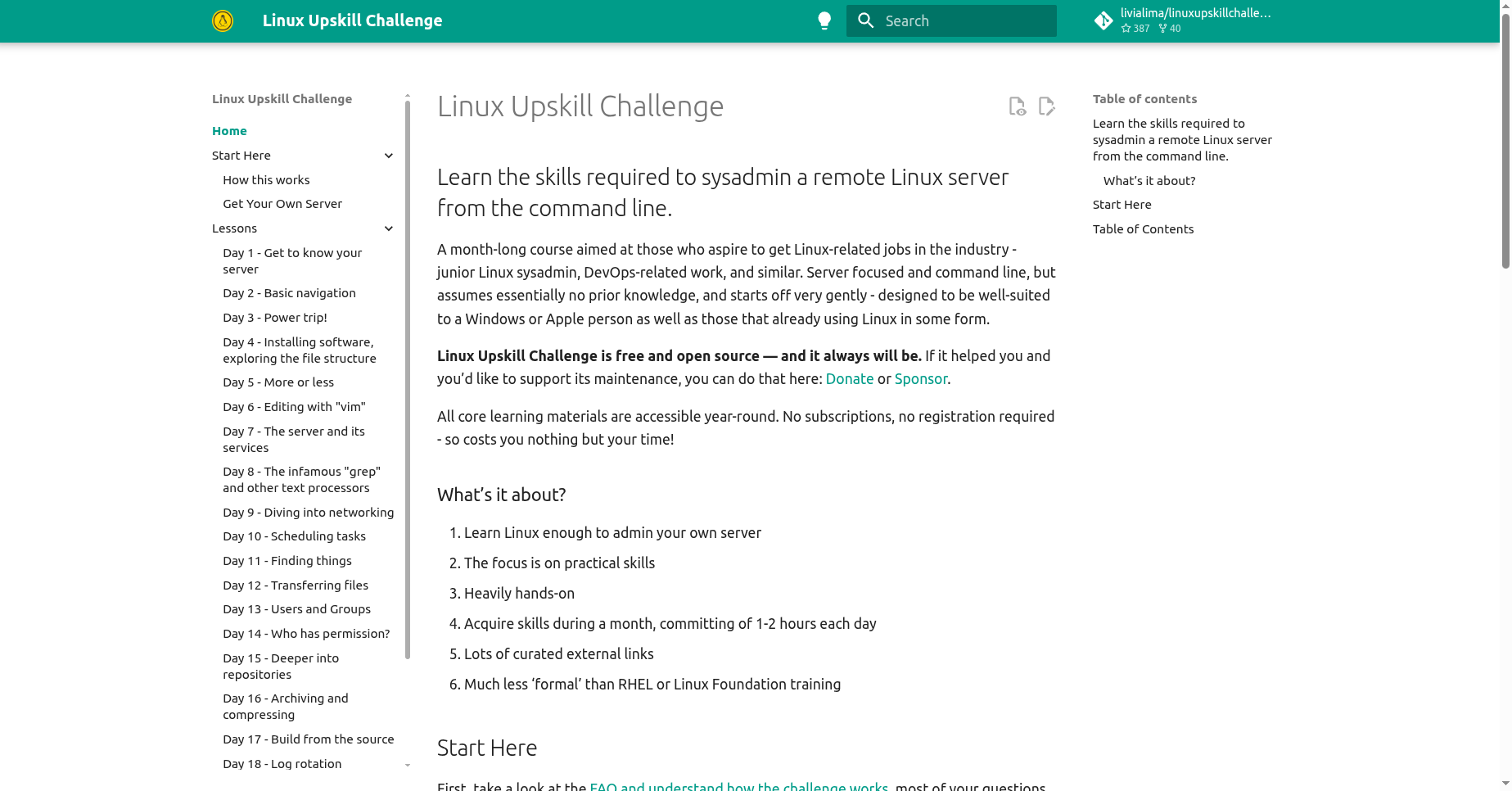
The course covers everything a working sysadmin needs: SSH key management, file permissions, package management, process management, system services with systemd, firewalls, cron jobs, log analysis, and basic security hardening.
- A complete, structured 20-day curriculum, always know what to do next
- Working on a real VPS means skills transfer directly to real systems
- Community forum for everyday exercises, never stuck alone
- Free forever; the GitHub repository is open source
- Requires a VPS, most cloud-free tiers work, but it is not purely zero-cost
- 20 days of consistent daily work require commitment
- Covers Linux fundamentals, not higher-level DevOps tooling
Verdict: If your Linux skills feel shaky and you want to fix that with a structured, real-world approach, the Linux Upskill Challenge is the most complete free answer. Twenty focused days produces a genuine foundation.
Kubernetes The Hard Way - Build a Cluster From Scratch
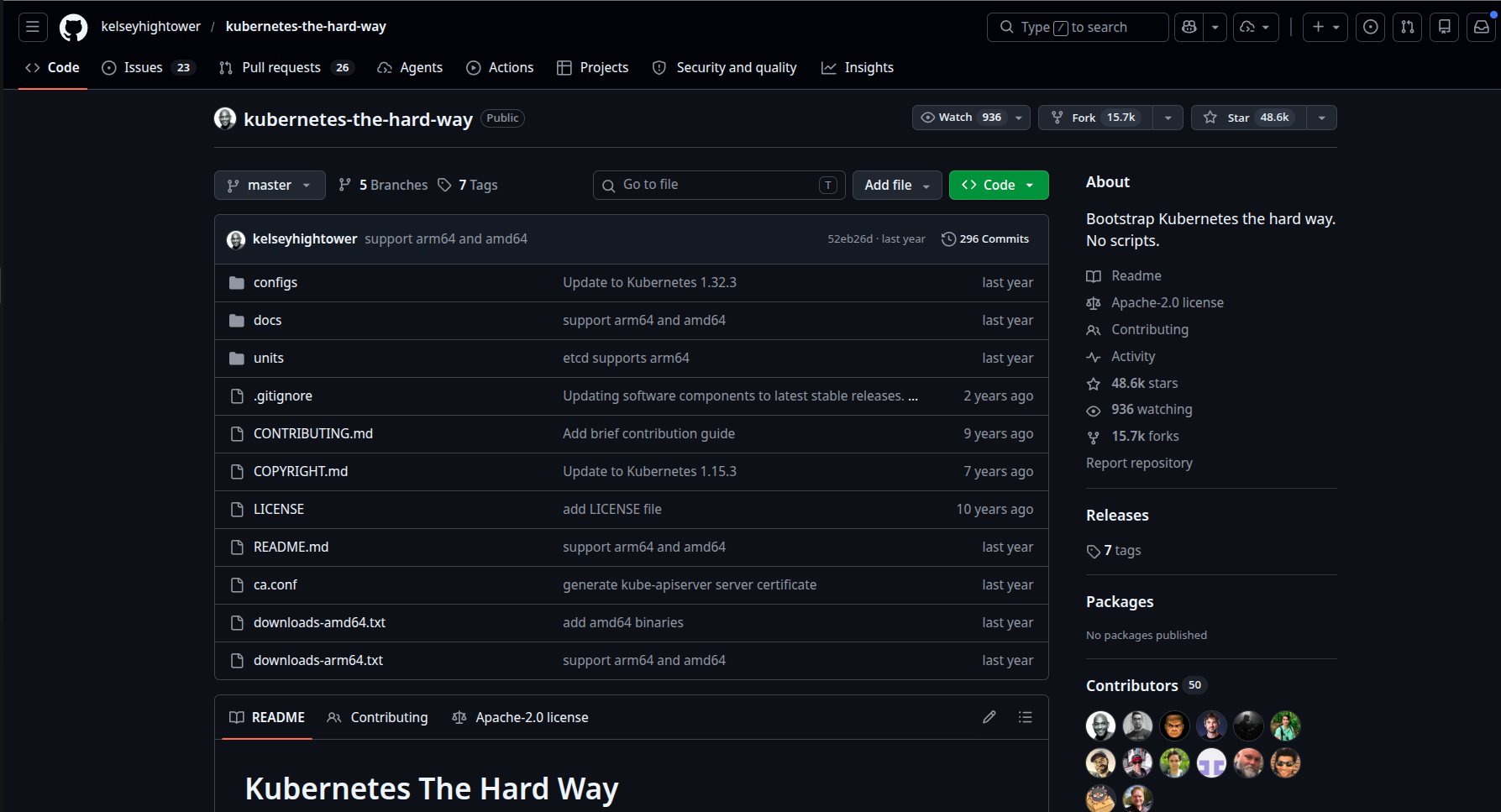
Kubernetes The Hard Way, created by Kelsey Hightower (Google), guides you through bootstrapping a Kubernetes cluster manually, without kubeadm, without any helper scripts, every component configured by hand. It is not the easiest way to get a cluster, which is exactly the point.
Who it's best for: Engineers who already use Kubernetes daily but feel like they are operating it without truly understanding it. Going through this once answers questions that years of kubectl apply never will.
- The definitive resource for understanding Kubernetes internals
- Goes through the components no other tutorial explains (etcd, API server internals)
- Completely free on GitHub; cloud provider-specific forks exist (GCP, AWS, bare metal)
- Highly respected in the DevOps community, a milestone for K8s practitioners
- Takes significant time (4-8 hours minimum for a careful first pass)
- Requires cloud instances or VMs, not purely browser-based
- Not a daily practice tool - it is a one-time deep understanding exercise
Verdict: Not something you do every day, but something every serious Kubernetes practitioner should do at least once. The understanding it provides changes how you operate clusters permanently.
iximiuz Labs - Investigate How Containers and K8s Actually Work
iximiuz Labs takes a deliberately different approach to DevOps learning: instead of guided tutorials, it puts you in an environment and asks you to investigate how something works. Labs cover container networking, Linux namespaces, Kubernetes control plane behavior, and distributed systems concepts through exploration rather than instruction.
Who it's best for: Intermediate to advanced practitioners who want to understand why containers and Kubernetes behave the way they do, the Linux primitives underneath Docker, why pod networking works the way it does and what the scheduler actually considers.
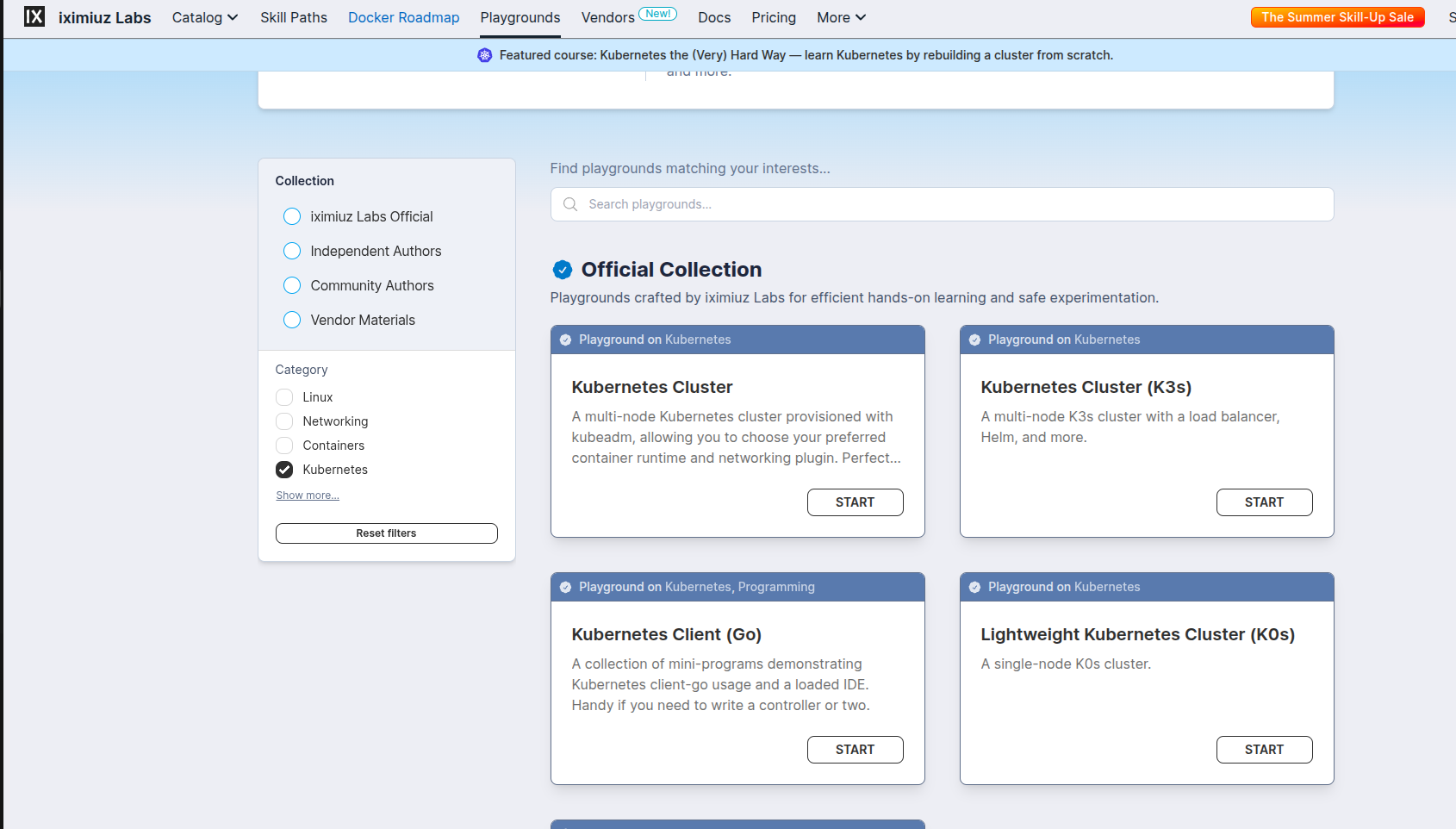
The free tier includes a solid selection of foundational labs on container runtimes, networking, and Kubernetes basics. The platform is built by Ivan Velichko, widely respected in the cloud-native community for the depth of his writing on container internals.
- Teaches the "why" that most DevOps platforms skip
- Browser-based multi-terminal environment with relevant tools pre-installed
- Covers container/K8s concepts that no other free platform addresses
- Built by a practitioner known for technical accuracy
- Some advanced labs require a paid subscription
- Not beginner-friendly, assumes comfort with containers and Linux already
- Investigative format requires more patience than step-by-step tutorials
Verdict: The best platform for going from "I can use Kubernetes" to "I understand Kubernetes." If you have been using containers for a year and still feel uncertain about the internals, this fills that gap.
Terraform Tutorials - Official Interactive IaC Practice
HashiCorp's official Terraform tutorials on the Developer portal are interactive, browser-based labs that teach Infrastructure as Code without requiring a cloud account for most foundational content. They cover AWS, Azure, GCP, and local Terraform workflows with a consistent, practical structure.
Who it's best for: Engineers who know containers and Kubernetes but have not yet learned Infrastructure as Code and anyone preparing for the Terraform Associate certification who wants practice alongside the theory.
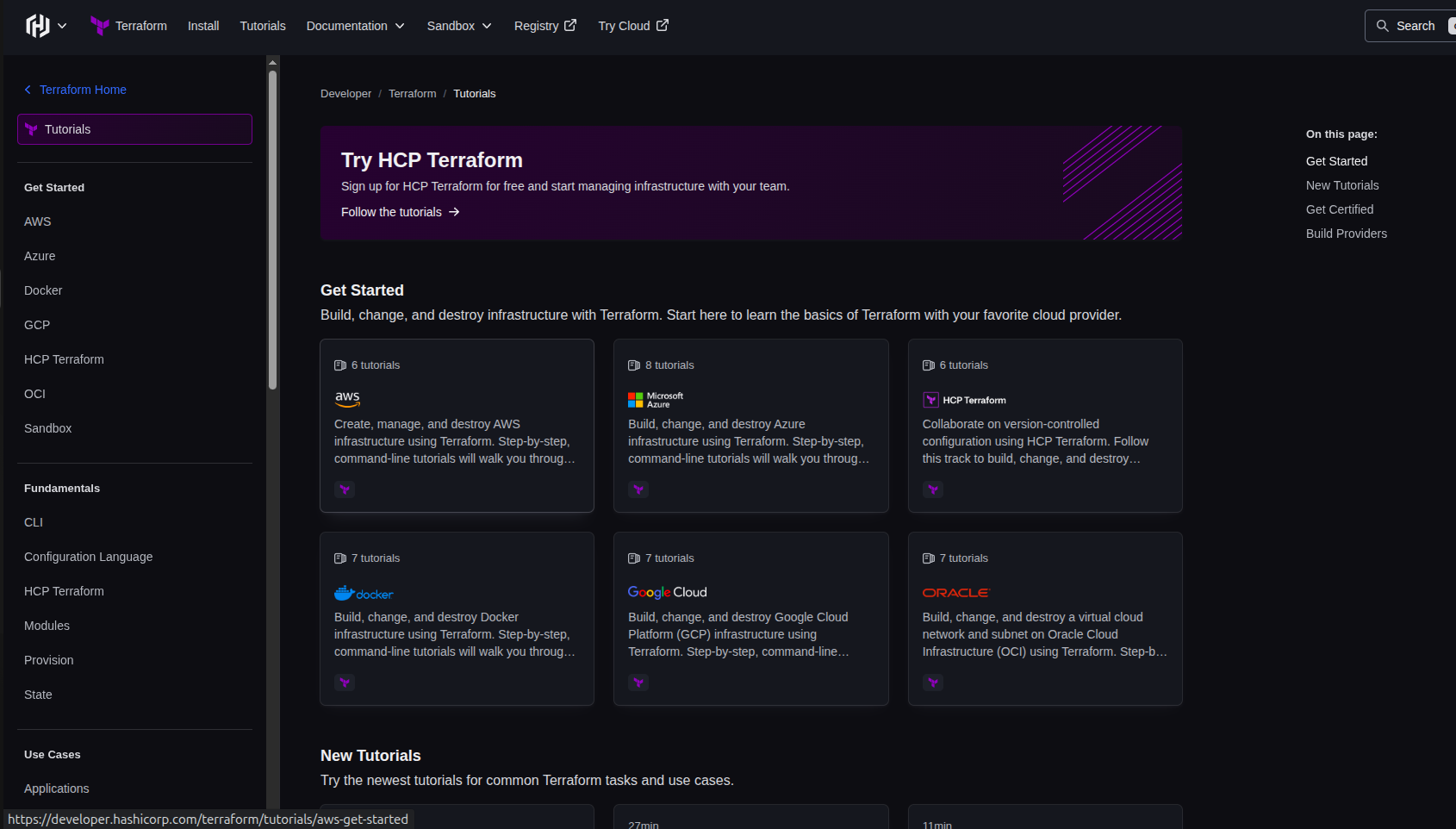
The tutorials build progressively: start with a local Docker provider (no cloud account needed), move to cloud providers once you understand the workflow. Each tutorial includes working code, an explanation of what each block does, and a real-world step.
- Official documentation and tutorials from HashiCorp, always accurate and up to date
- Many tutorials run entirely locally with no cloud account needed
- Covers the full Terraform workflow: init, plan, apply, state, modules, workspaces
- Cloud provider tutorials require an AWS/Azure/GCP account (though free tier works)
- No challenge/puzzle format, more guided tutorial than active problem-solving
Verdict: The most reliable starting point for Terraform. If IaC is the gap in your DevOps skillset and for many practitioners it is, start here before looking anywhere else.
How to Use These Platforms Together
These platforms are not competing alternatives; they cover different skills and different learning modes. A practical sequence:
- Start with Linux fundamentals : Linux Upskill Challenge (structured) + OverTheWire Bandit (challenges)
- Add Git mastery early : Learn Git Branching (spend one afternoon, do both tracks)
- Learn containers hands-on : Play with Docker, then Killercoda Docker scenarios
- Move to Kubernetes : Play with Kubernetes for basics → Killercoda K8s scenarios → Kubernetes The Hard Way for deep understanding → iximiuz Labs for internals
- Add IaC : Terraform Tutorials (start with local Docker provider, no cloud account needed)
- Add observability : Grafana Play (explore before setting up your own stack)
- Keep troubleshooting sharp : SadServers (one scenario per week) + pwn.college Linux modules
None of these require paid subscriptions to start; all have free tiers that cover the core learning value.
FAQ
Do I need a powerful computer to use these platforms?
No. Every platform on this list is either browser-based or requires only a basic setup. Your local machine is just a browser or SSH client.
Which platform should a complete beginner start with?
Start with Linux Upskill Challenge for structured foundations, then add OverTheWire Bandit for command-line confidence, then Learn Git Branching for Git. After those three, Killercoda opens up most of the rest of the DevOps toolchain at a reasonable pace.
Are these platforms useful for certification preparation (CKA, CKAD, Terraform Associate)?
Yes. Play with Kubernetes and Killercoda are both consistently recommended for CKA/CKAD practice. Terraform Tutorials covers the Terraform Associate curriculum directly. SadServers builds the troubleshooting speed that the CKA exam requires.
Is Kubernetes The Hard Way still relevant with modern tools like k3s and minikube?
Yes, and for the same reason, reading a car manual is still useful even if you use a GPS. K3s and minikube are better for daily use. The Hard Way is for understanding what they are abstracting. Do it once, then use the convenient tools with actual understanding.
Conclusion
The best DevOps skill is not knowing which tool to use; it is knowing what to do when something breaks. Every platform on this list gets you closer to that, whether you are starting from zero with the Linux Upskill Challenge, building Git intuition with Learn Git Branching, diagnosing broken servers on SadServers, or finally understanding what Kubernetes is actually doing under the hood with Kubernetes The Hard Way and iximiuz Labs.
You do not need to work through all twelve at once; pick the one that matches your current gap, spend a few hours a week, and let the practice compound. The engineers who stand out in DevOps are the ones who have broken things, fixed things, and done it enough times that the instinct becomes automatic. These platforms give you the reps. If you know of such a platform, do drop it in the comments!